Your everyday made easy
on UNIFI SMART HOME APP
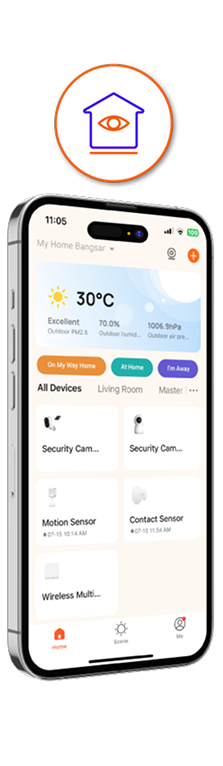
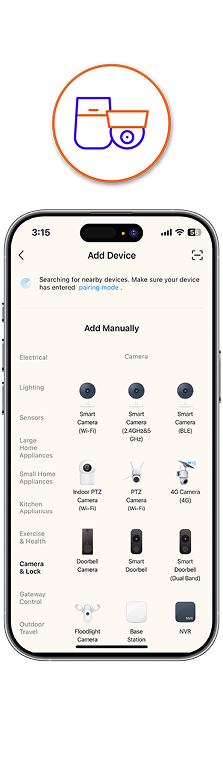
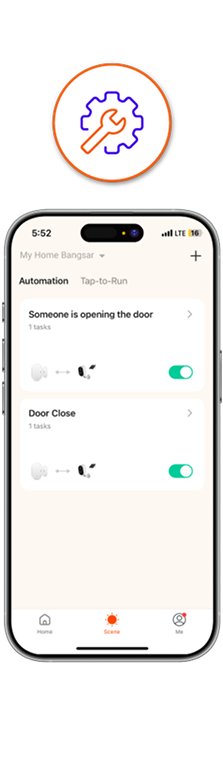
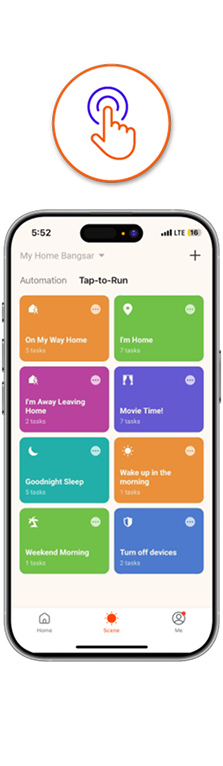
 Swipe to view more

Easy Tips & Guides

Device Pairing Guide
Get your new device connected in minutes! Follow this simple guide to quickly and easily sync your smart sensor or camera to your Smart Hub Gateway for a seamless setup.
Sharing Permissions
Share control with family and friends. This guide shows you how to securely grant temporary or permanent access to specific devices, so everyone can help monitor the home.

Find Your Answers
Find answers instantly. Learn how to navigate the app's FAQ section and use the search bar to get the information you need, right when you need it.

Automations & Scenes
Automate your security and simplify your life. Discover how to create custom "Tap-to-Run" commands or set up automated scenes that trigger a series of actions with a single tap.
How to get started
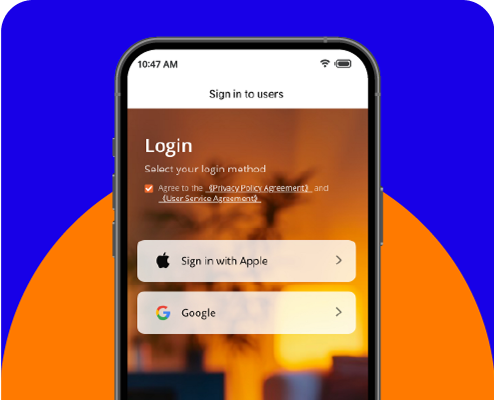
Step 2
Sign in with your Google or Apple account for a quick and secure setup.
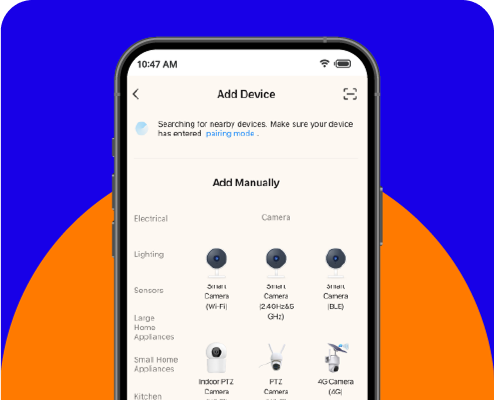
Step 3
Follow the on-screen instructions to easily pair your new smart home device with the app. You'll be in control in just a few moments.
Video Guide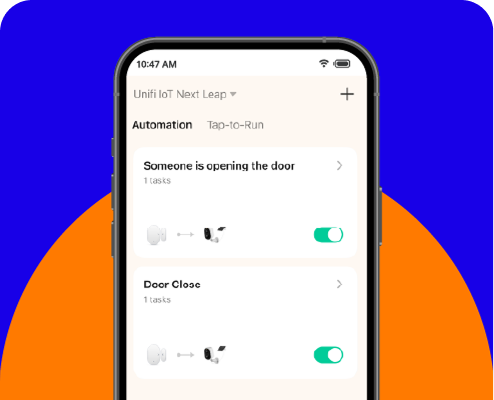
Step 4
Once paired, you can customize your device settings, create automations, and start monitoring your home from anywhere. Enjoy staying connected and in control!
Dedicated support, just a step away.

Chat with Maya
We understand your urgency. Get instant support anytime with Maya, our 24/7 chatbot.
Chat with us
FREQUENTLY ASKED QUESTIONS
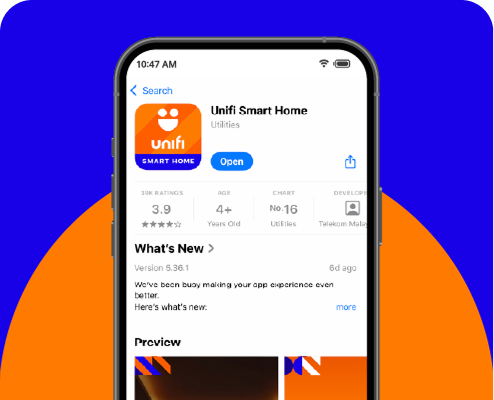
- Download the app from the Google Play Store, Apple App Store or Huawei AppGallery.
- Open the Unifi Smart Home app on your mobile device.
- On the login screen, accept the user agreement and select "Sign in with Google" or "Sign in with Apple."
- You’ll be securely redirected to Google or Apple's login page to authorize the app.
- Follow the on-screen prompts to complete the login. You may need to enter your password and approve a Two-Factor Authentication (2FA) request on a trusted device.
- Once authorized, you’ll be redirected back to the Unifi Smart Home app and logged in successfully.
i. Check your internet connection: A stable Wi-Fi or mobile data connection is required to receive the 2FA prompt.
ii. Try an alternative sign-in method: If the prompt doesn’t appear, look for an option like "Try another way" on the login screen. You may be offered options such as:
- Receiving a verification code via SMS to your registered phone number
- Using backup code saved when you first set up 2FA
- Using code from an authenticator app (e.g.Google Authenticator)
iii. Check that you’re signed in on your device: Ensure that you’re already signed in to your Google account or Apple ID on the device you’re using. 2FA prompts are only sent to trusted devices.
iv. Check your notification settings: Go to your phone's notification settings and ensure that system notifications for Google Play Services (on Android) or Apple ID (on iOS) are enabled. Also check that your phone is not in "Do Not Disturb" mode.
v. Update your device's software: Make sure your phone's operating system (OS) and relevant apps (e.g. Google Play Services, etc.) are up to date, as outdated software may affect prompt deliver
- The invited user must download and sign up for the Unifi Smart Home app.
- The homeowner will need to obtain the Account ID from the other user. They can find this by going to the “Me” tab > tap the “Settings” icon (top right) > select “Account and Security” > press and hold to copy their Account ID.
- The homeowner can add another user by entering their name and Account ID.
- The invited user will receive a notification. To accept the invitation, they must go to the “Me” tab and look under “Home Management” for pending requests.