Build your perfect Home internet bundle!

Stream, surf, and stay connected — bundle Unifi Home, TV, Mobile, and Lifestyle for seamless connectivity, entertainment, and rewards, all under one plan.
Choose any add-ons below you’d like to pair with your Unifi Home!
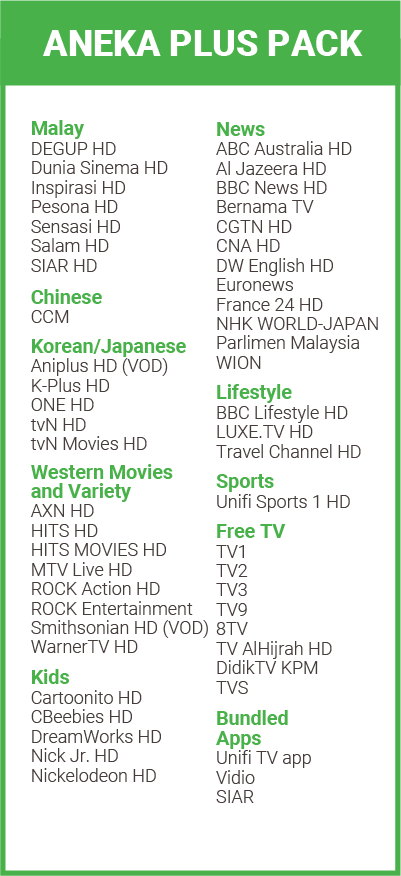
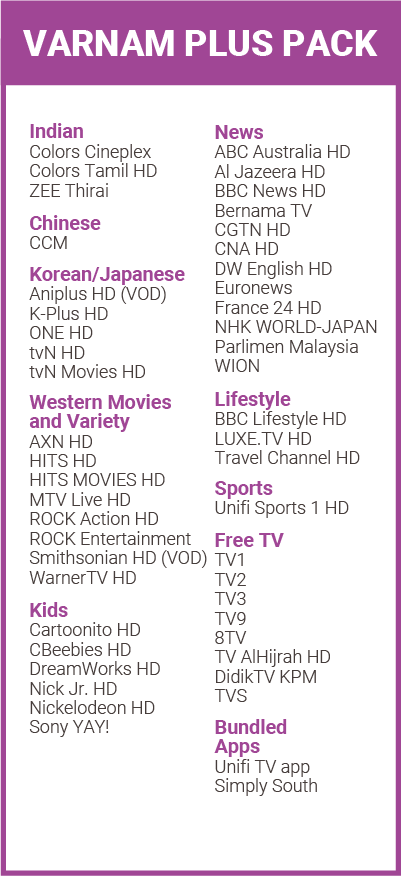
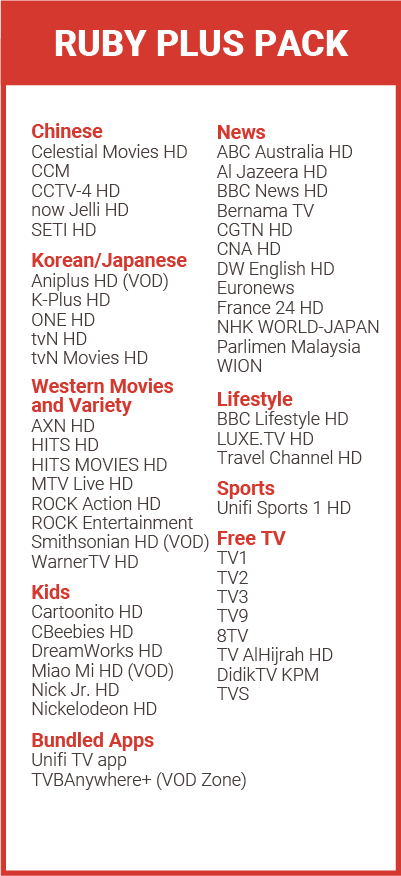
Unifi TV
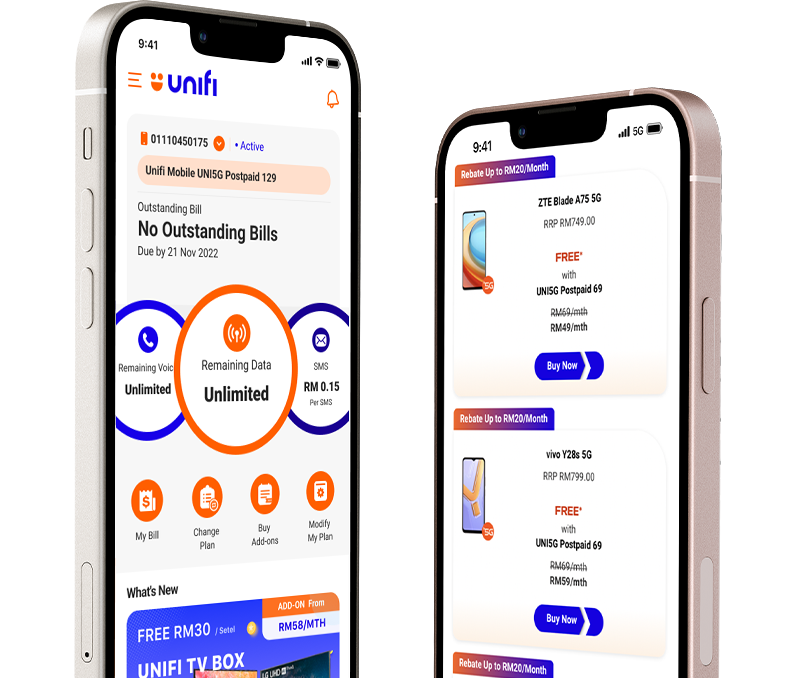
Unifi Mobile
Unifi Mobile

STILL NOT SURE WHICH HOME INTERNET BUNDLE SUITS YOU BEST?

Answer a few quick questions and we’ll recommend the ideal internet home bundle for your needs.
Hello, Unifi Customer!
Discover your exclusive perks – faster speeds, great deals, and tailored plans await.

Exclusive Add-Ons

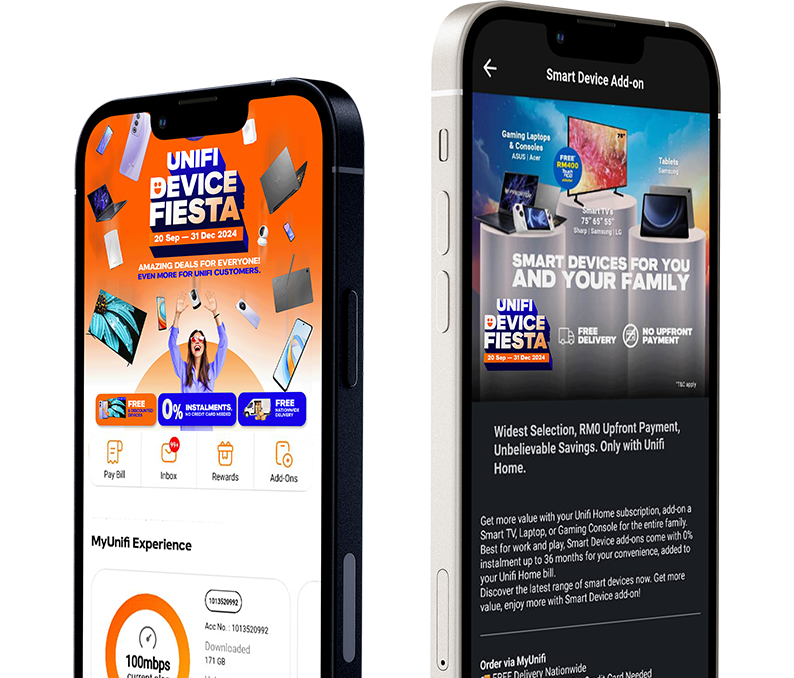
Level up your Unifi Home with smart devices that fit every lifestyle. Pair with broadband easily during subscription.
Get smart device with Unifi EzOwn
Smart TV

Smart TV

Big screen. Stream, play, and share family moments.
From RM83/month.
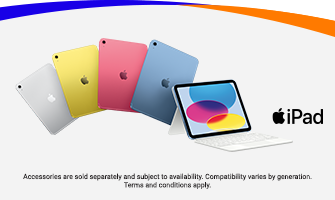
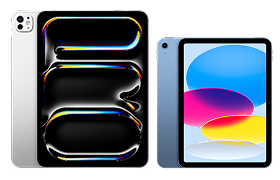
Ipad

iPad

Work, play, create. Your all-in-one partner made simple.

From RM66/month.
Smarthome

Smart Home

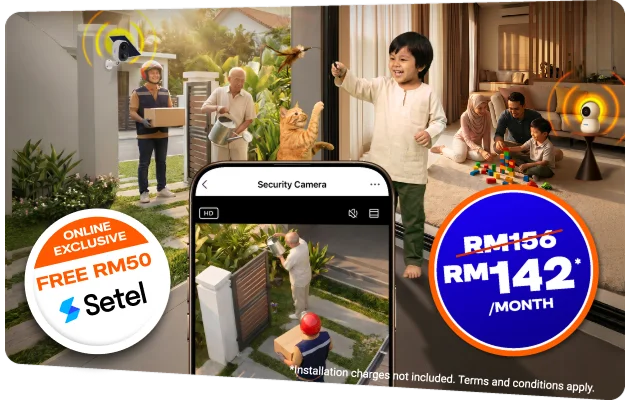
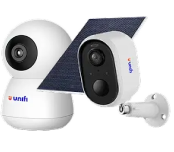
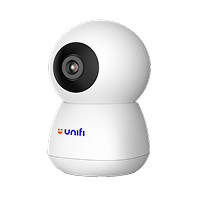
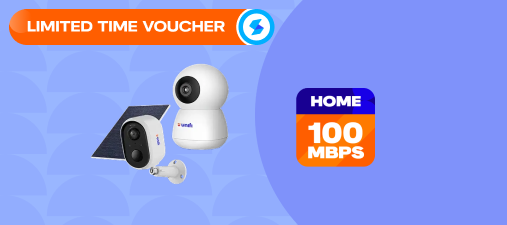
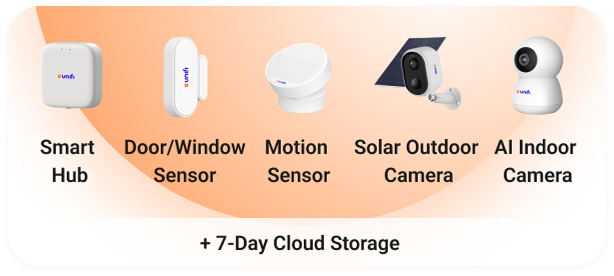
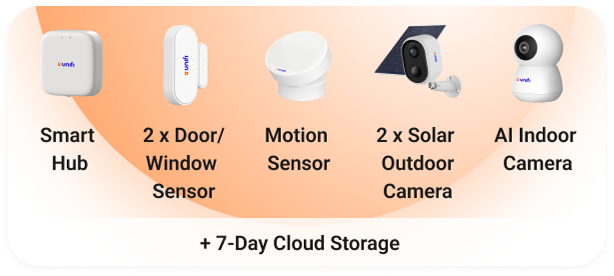
Keep your home safe and connected.
From RM15/month.
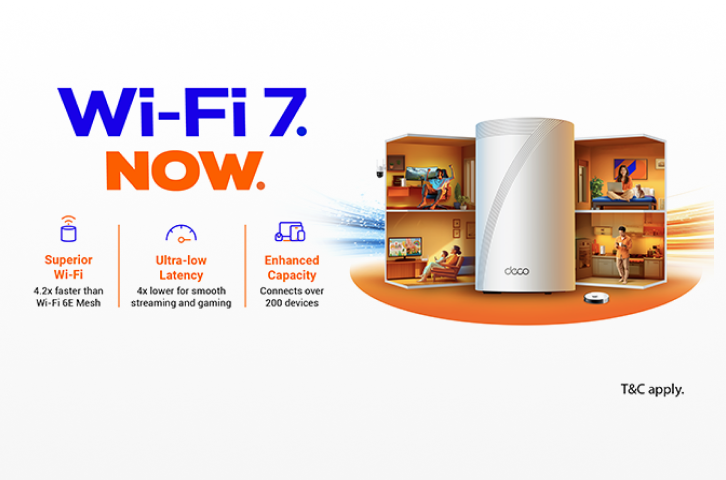
Wifi Booster

Wi-Fi Boosters

Stronger Wi-Fi everywhere. Say goodbye to dead zones.

From RM15/month.

Your Premium Service Experience

FREQUENTLY ASKED QUESTIONS

The Online Exclusive Mid Year Sale campaign runs from 10 May 2026 to 30 July 2026. Do not miss out as the offers are available on selected plans only.

  • This campaign is open to all new customers based on the selected package offerings.
  • This campaign is also open to existing customers who upgrade their plan and who have already fulfilled their existing contract period with other Unifi campaign offerings.

Yes, all Unifi Home plans come with a minimum contract period of 24 months.

If you already have a Netflix subscription, you will need to link your existing Netflix account to your Unifi TV Pack by submitting your Netflix account credentials. Netflix will continue to charge you separately for your existing subscription until it is linked to your Unifi TV Pack. If your existing Netflix subscription is billed through Apple, you will need to manually cancel this arrangement to avoid being double billed when you activate your Netflix plan on Unifi TV.

Yes, you will be able to retain the viewing history if your registered email address with Unifi is the same as your existing Netflix account. This is because you still maintain your login credential.

There will be no penalty charge for termination made after the minimum contract period (24 months)

Yes, you can. You may upgrade/change your Netflix plan as per offerings below:
  1. Netflix Standard – Additional RM20/month to upgrade from Basic.
  2. Netflix Premium – Additional RM13/month to upgrade from Standard. Additional RM33/month to upgrade from Basic.
To self-upgrade your Netflix plan, you can do so via MyUnifi app, visit Unifi Selfcare portal or alternatively, visit Netflix.com and enter the 'Account' section.

You will see two (2) types of charges in your first bill:
  1. Prorated charges
    • Based on your Unifi activation date and billing period date.
    • Activation date = the date your Unifi installation and order are completed.
    • Billing period date = the date your bill is generated.
  2. Full month charges
    • Broadband package charges for 30 days, starting from your first (1st) billing date.
    • You will also see charges for any add-ons (e.g. Smart Device or Mesh Wi-Fi) if applicable.

Change of ownership request can be made at any TMpoint outlets nationwide. Both existing and new owners must be present with their respective MyKad.

You can upgrade your plan by visiting the nearest Unifi Store or a TM Authorized Dealer. Alternatively, you can upgrade online via the MyUnifi app or the Unifi Self-Care portal.

Upgrade via MyUnifi app
  1. Log in using your email address on the MyUnifi app.
  2. Click on 'Account' and choose the account you wish to upgrade.
  3. Click the 'Upgrade Plan' button.
  4. Click the 'Choose Plan' button.
  5. Fill out the request form.
Upgrade via Unifi Self Care Portal
  1. Log in to the Unifi SelfCare with your email address.
  2. Choose 'Account'.
  3. Click the 'Change Plan' button.
  4. Select your desired new plan.
  5. Fill out the request form.
After you've successfully filled out the form, you will be contacted within 3 days to process your order.
 

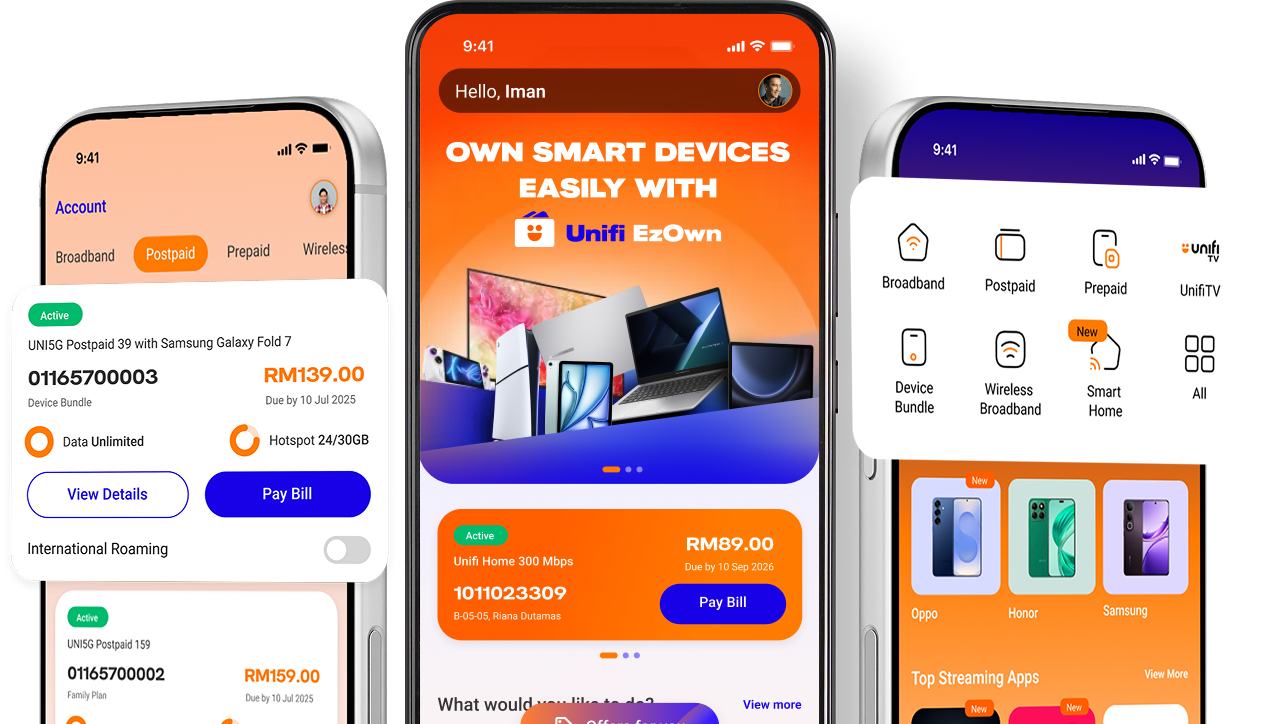
Everything Unifi in one app

View monthly bills and usage in one dashboard, with visibility to manage your account better.

Download on the Appstore Get it on GooglePlay Explore it on AppGallery

Scan

HELLO Unifi UniVerse!

We have rebranded and you can now manage both your home broadband & mobile accounts in a single app*! Download today and enjoy convenience in a single app, and app exclusive offers you don’t want to miss! 

*applicable for Home Broadband subscriptions from 17 March 2025 only

Download on the Appstore Get it on GooglePlay Explore it on AppGallery

Scan

FREEDOM TO CONNECT

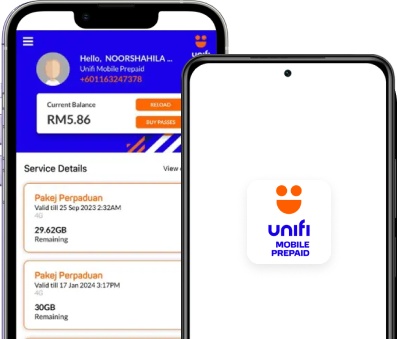
Renew your prepaid plans seamlessly without worrying over expiry dates and data wastages.
Download on the Appstore Get it on GooglePlay Explore it on AppGallery
Pay Bills
Switch to Unifi Mobile
Check Coverage
Find TMpoint/Unifi Store
Contact Us
We use cookies to improve your web experience. By continuing, you agree to our terms and usage as outlined in our Privacy Policy.
Whatsapp Icon
 
 
My Unifi App
Unifi UniVerse App
Pay Bills
Switch to Unifi Mobile
Check Coverage
Find TMpoint/Unifi Store
Contact Us
We use cookies to improve your web experience. By continuing, you agree to our terms and usage as outlined in our Privacy Policy.