
EVERYTHING
MADE EASY
ON MYUNIFI
From paying bills to managing accounts, get exclusive offers, and shop smart devices, MyUnifi does it all in one app.
Get MyUnifi App now




EVERYTHING
MADE EASY
ON MYUNIFI
From paying bills to managing accounts, get exclusive offers, and shop smart devices, MyUnifi does it all in one app.
Get MyUnifi App now
Your everyday made easy on MyUnifi App

Hot Deals,
just for you!
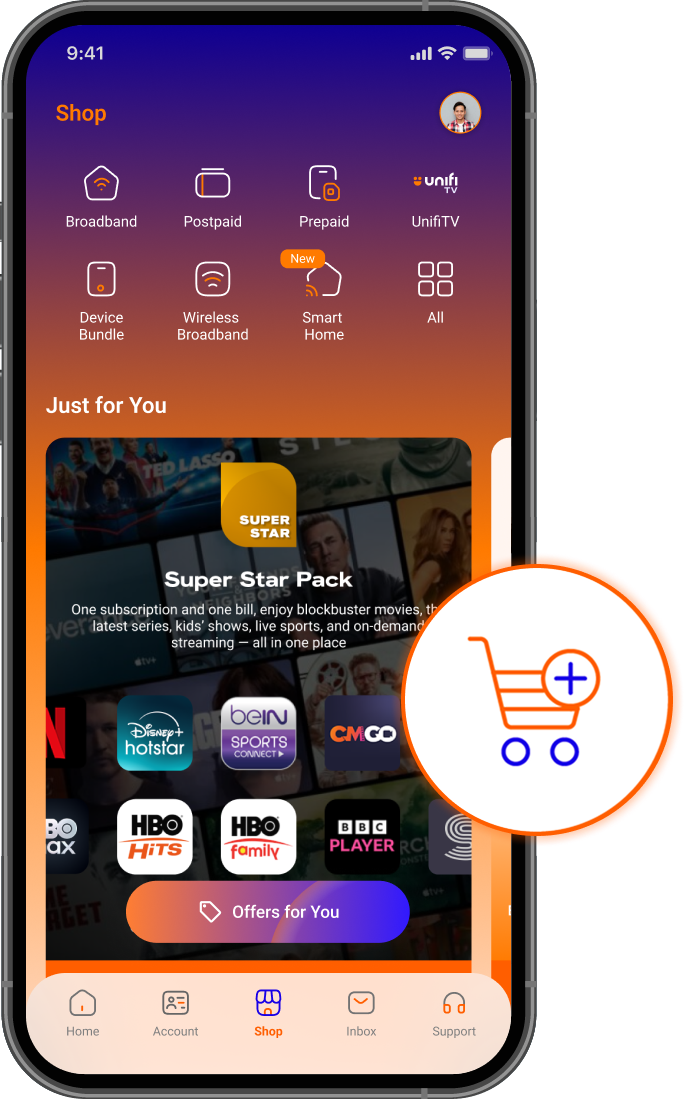
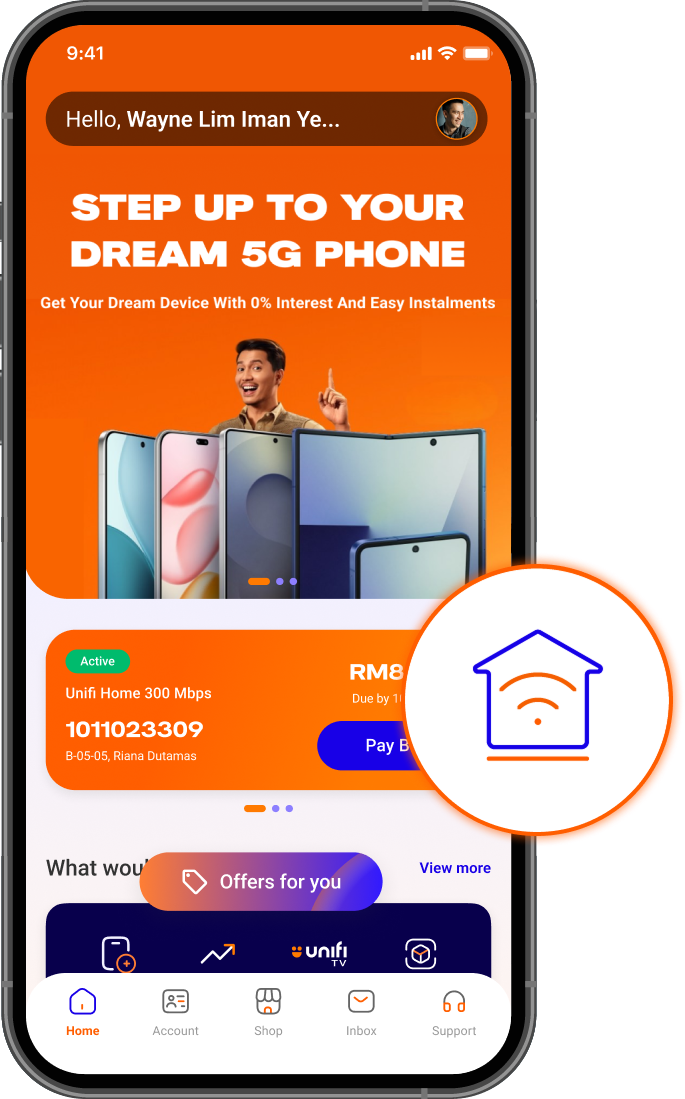
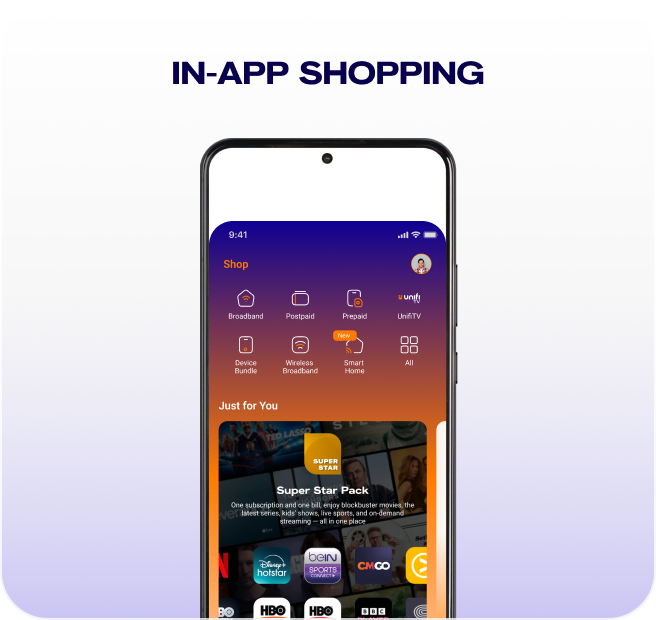
Enjoy app-only offers that fit your lifestyle, plus Unifi TV Packs, streaming apps, smart home gadgets, smart TVs, gaming consoles, and more with zero upfront payment and 0% interest installments.
Your account,
your rules
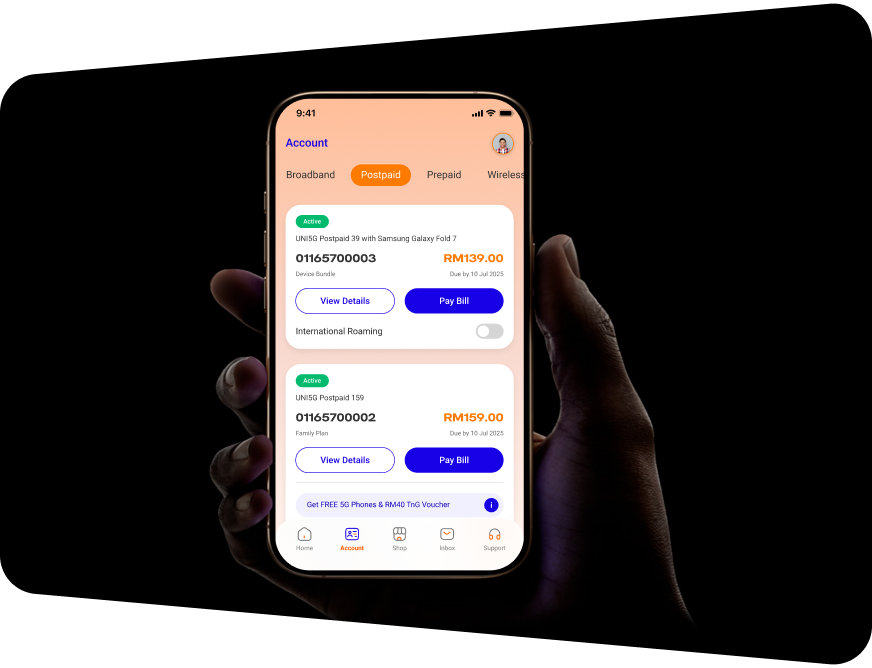
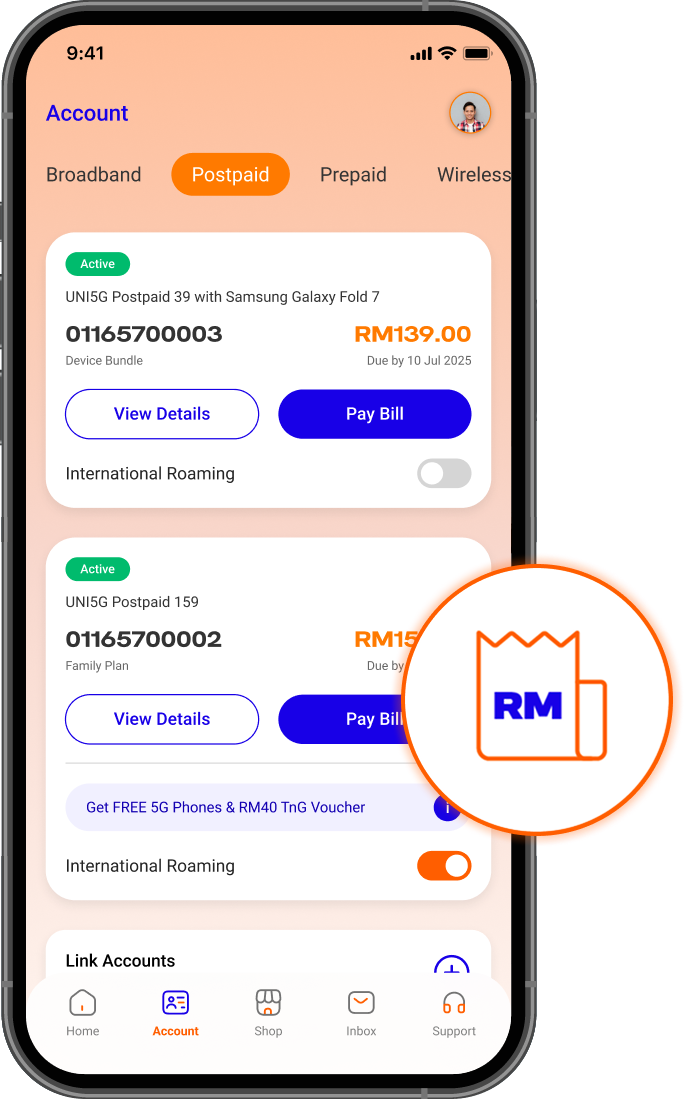
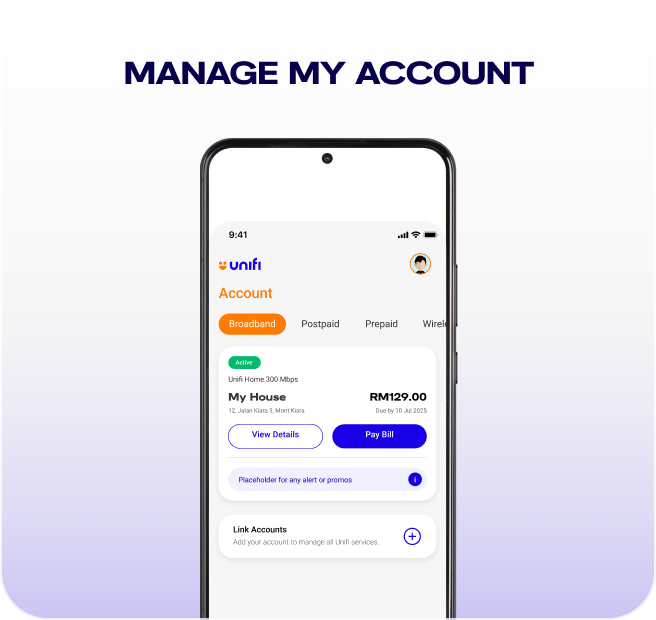
View, pay, and manage broadband, mobile or business bills — anytime, anywhere. Autopay. Reload. Activate Roaming Passes or simply pay for anyone too.

Ask Us Anything
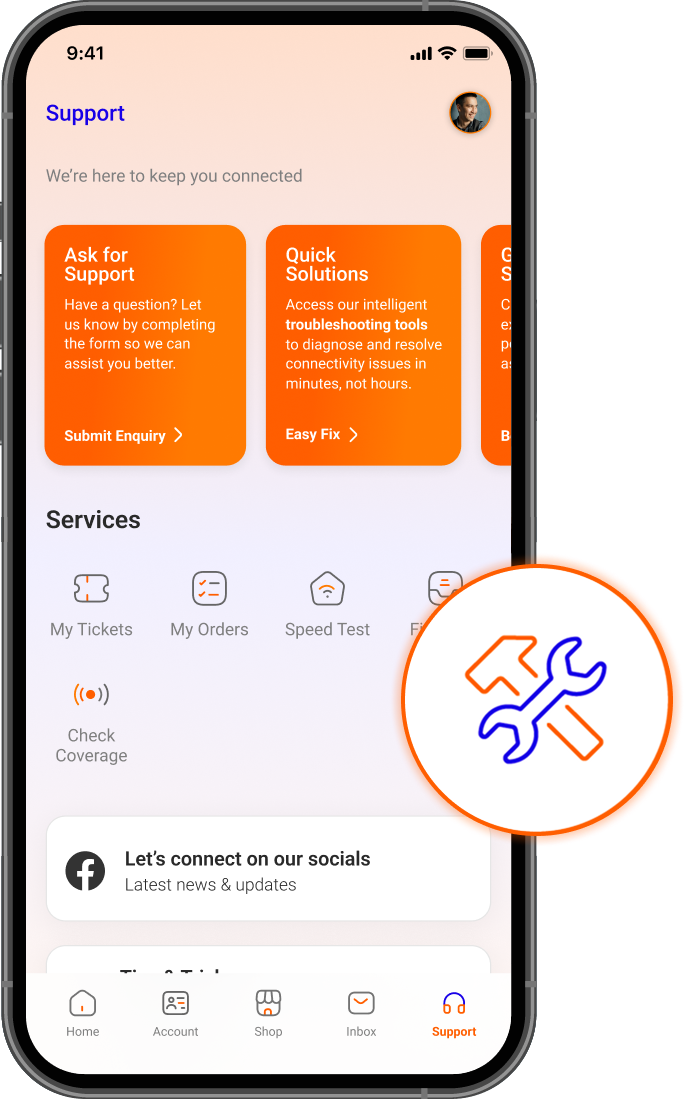
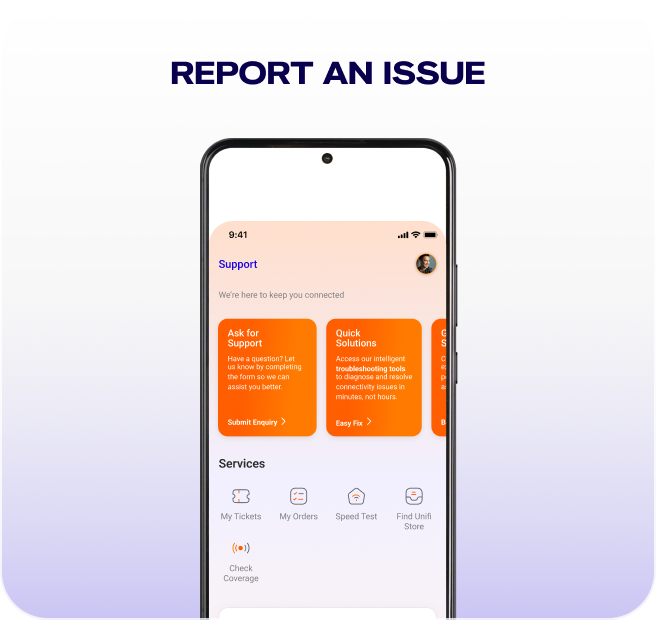
Got a question about your plan, billing, devices, or installation? Ask in the app for clear step-by-step instructions.
Discover even more on MyUnifi App
Swipe or use arrows to explore
Easy Tips & Guides

How to get started
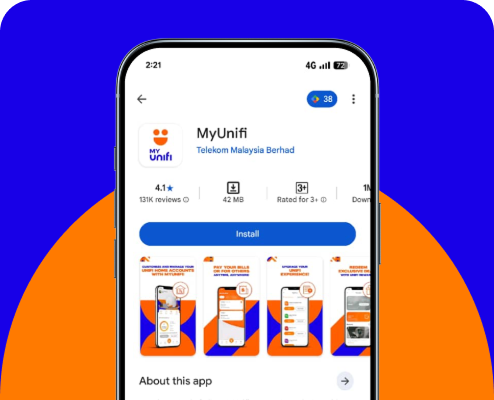
Step 1
Download MyUnifi app from your app store.
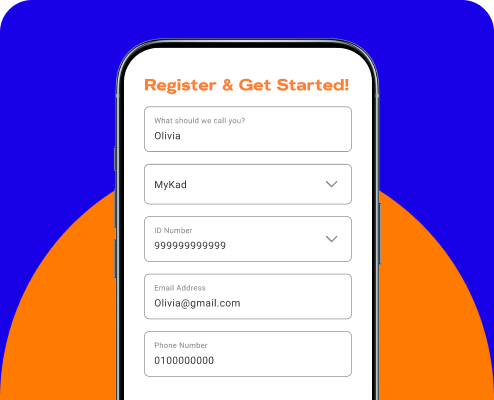
Step 2
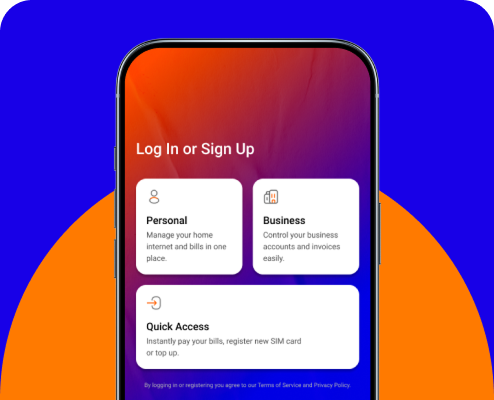
Sign in or sign up with your email or Unifi Mobile Postpaid number to view all services linked to your ID Number.
Step 3
Complete and verify your profile to start managing your account.

Step 4
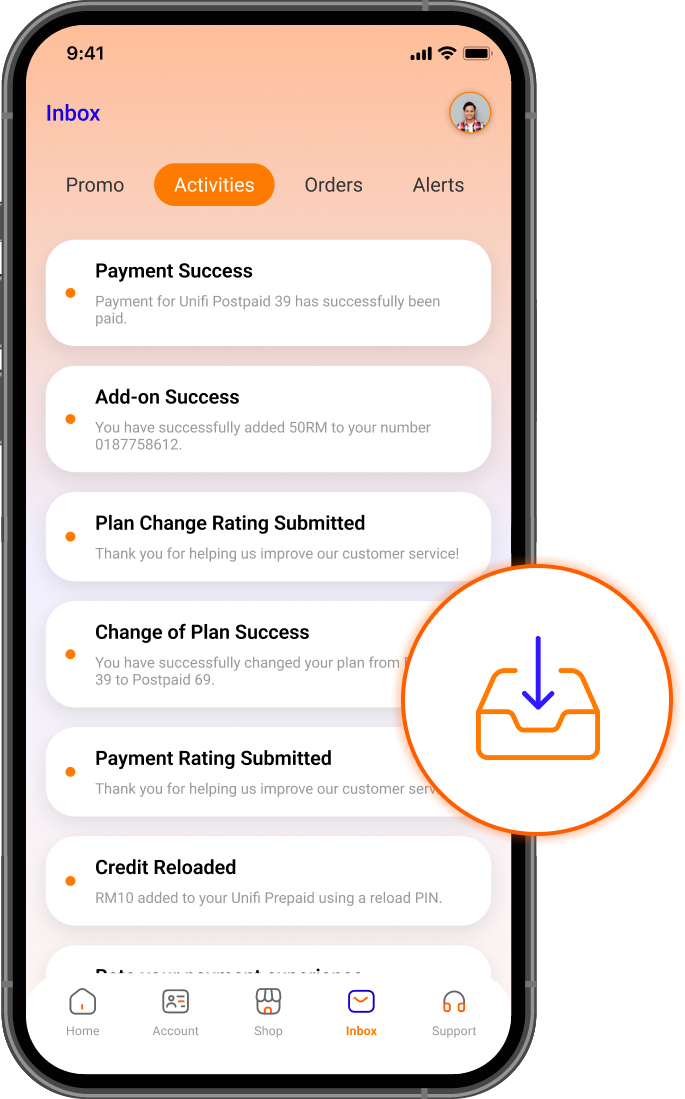
Manage accounts, pay bills (even for others), buy add-ons, upgrade plans, track orders & more in one app. Enjoy new features with every update!
Dedicated support, just a step away

Chat with Maya
We understand your urgency. Get instant support anytime with Maya, our 24/7 chatbot.
Chat with us →

FREQUENTLY ASKED QUESTIONS
Subscription:
- Easy subscription of unifi services
- Schedule your installation appointment
- Track your installation progress
- Hassle-free payment for all your unifi bills
- Track your usage and upgrade your unifi plans
- Reach out and interact with the unifi community
- Live Chat with our friendly agents
- Read tips on self-troubleshooting guide
- Earn reward points for every Ringgit you spend and use them to redeem awesome deals
Select your unifi account to view the payment details (bill summary, PDF bill).
Proceed for payment via credit / debit card or FPX.
Take Control with myunifi
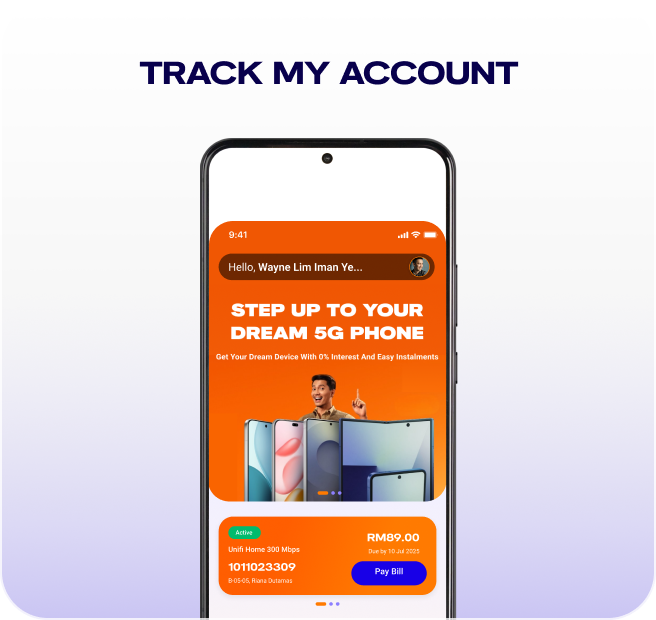
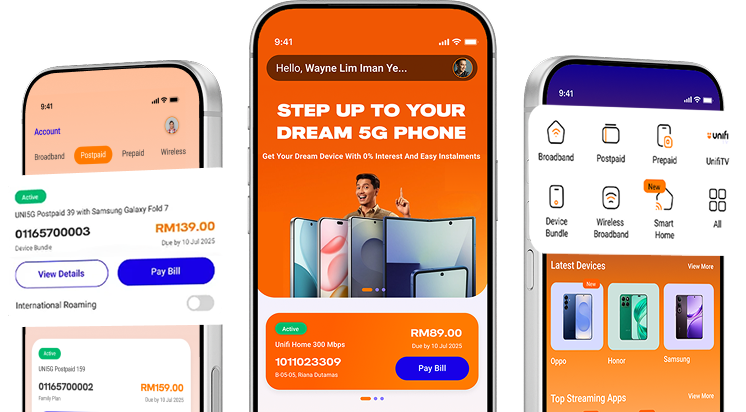
Power up your connectivity! Take charge of your broadband and mobile accounts in one sleek app. Manage, pay, upgrade, shop, and get support, all at lightning speed. Download now!


Manage all with Unifi UniVerse app
You can now manage both your home broadband & mobile
accounts in a single app*!
Download today and enjoy convenience in a single app, and
app exclusive offers you don't want to miss!