Announcement: We are upgrading to serve you better!

Explore Streaming Apps at Special Prices

Add-on prices available exclusively with a Unifi TV Pack.

Can't find your favourite genre?

Stream Smarter withUnifi TV App 2.0

Your channels, streaming apps, and recommendations, all in one powerful app.

  • 70+ channels & 20+ streaming apps
  • Search easily by title, actor, or genre
  • Personalised recommendations for every profile
  • Stream across mobile, tablet, or TV Box
Learn More

Already Have a TV Pack?Start Watching in 3 Steps

Log In

Download MyUnifi app, and sign in with your email or Unifi Mobile Postpaid number.

Activate

Go to Account → Select Unifi Home accountUnifi TV and activate your streaming apps on your TV Pack.

Get Ready

All set! Start streaming on your Unifi TV Box or directly through the activated app(s).

Quick Access to Unifi TV Experience

Illustration: explore a Unifi TV pack

Find a TV Pack

Choose a TV pack with a wide range of streaming apps from just RM16/month.

Illustration: manage your Unifi subscription

Manage Your Subscription

Check your entitlements, switch plans, or add streaming apps via the Unifi portal.

Illustration: bundle Unifi Home Fibre with TV Pack

New to Unifi?

Get Unifi Home Fibre + TV Pack with exclusive offers and your favourite streaming apps today.

Frequently Asked
Questions

Via MyUnifi App (For Unifi Home subscribers before 17 March 2025)

Step 1: Download the MyUnifi app on your mobile device and log in using your registered email address.

Step 2: Tap the “Menu” button on the home page, then select “TV Pack”. Choose your Unifi Home account, scroll to the Entertainment Pack section, and tap “View Details”.

Step 3: Tap the “Free” button to redeem your bundled streaming app(s), then submit.

Step 4: Check your inbox (or spam folder) for an activation email from Unifi or the streaming app partner. Click the link in the email to complete any additional steps required.

Step 5: Once redemption is successful, you can enjoy your streaming apps on the Unifi TV Box or directly via the streaming apps.

Via Unifi UniVerse App (For Unifi Home subscribers from 17 March 2025)

Step 1: Download the Unifi UniVerse app on your mobile device and log in using your registered email address.

Step 2: Tap the dropdown arrow icon of your selected Unifi Home account. Under “IPTV Service Account”, your Unifi TV ID (e.g., example@iptv) will be displayed.

Step 3: Go to “My Services”, tap “View My Streaming Apps”, then tap “Activate” to redeem your bundled streaming app(s) and proceed.

Step 4: Check your inbox (or spam folder) for an activation email from Unifi or the streaming app partner. Click the link in the email to complete any additional steps required.

Step 5: Once redemption is successful, you can enjoy your streaming apps on the Unifi TV Box or directly via the streaming apps.

Via Unifi Selfcare Portal

Step 1: Go to https://selfcare.unifi.com.my/ and log in using your registered email address.

Step 2: On the homepage, scroll to “My Accounts” and click the arrow to select “View Service” for your relevant account.

Step 3: In the menu, click on “My Streaming Apps”, then click the “Free” button to redeem your bundled streaming app(s).

Step 4: Check your inbox (or spam folder) for an activation email from Unifi or the streaming app partner. Click the link in the email to complete any additional steps required.

Step 5: Once redemption is successful, you can enjoy your streaming apps on the Unifi TV Box or directly via the streaming apps.

Note: Each streaming app has its own login and activation steps. For detailed user guides, visit: https://unifi.com.my/tv/
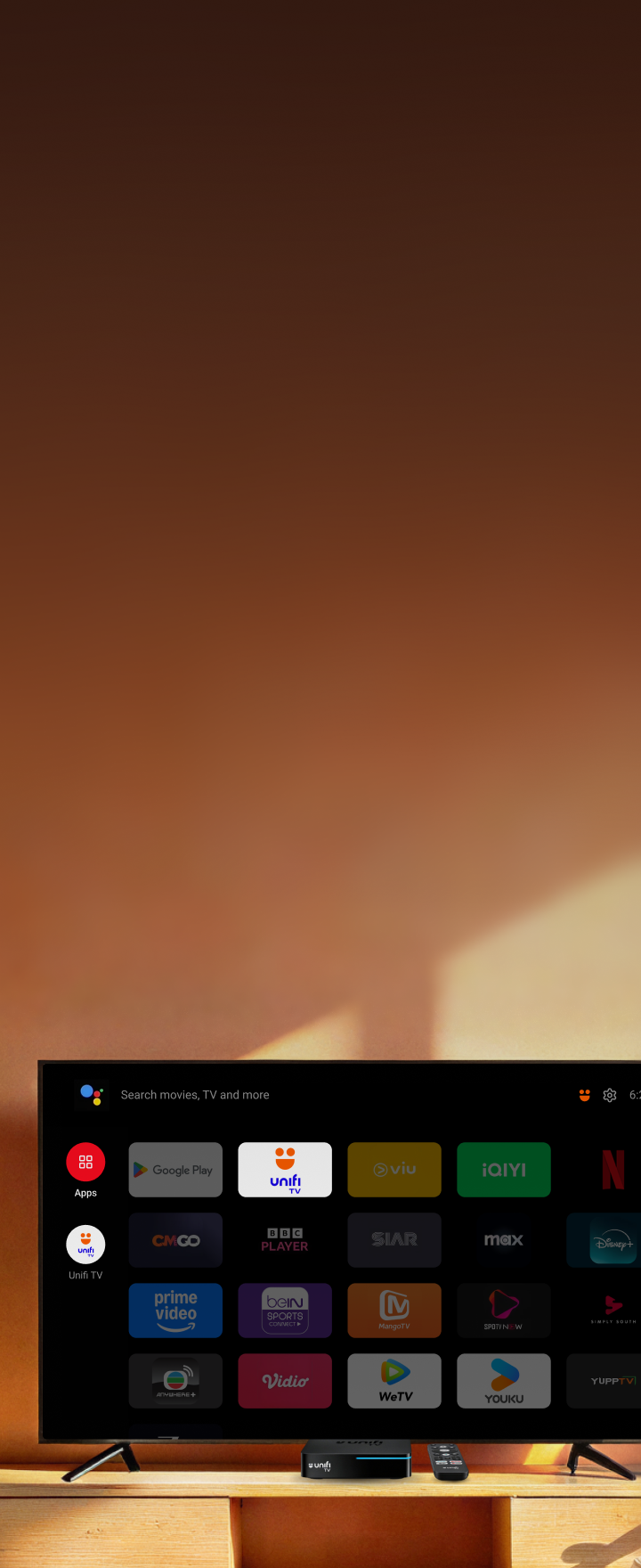
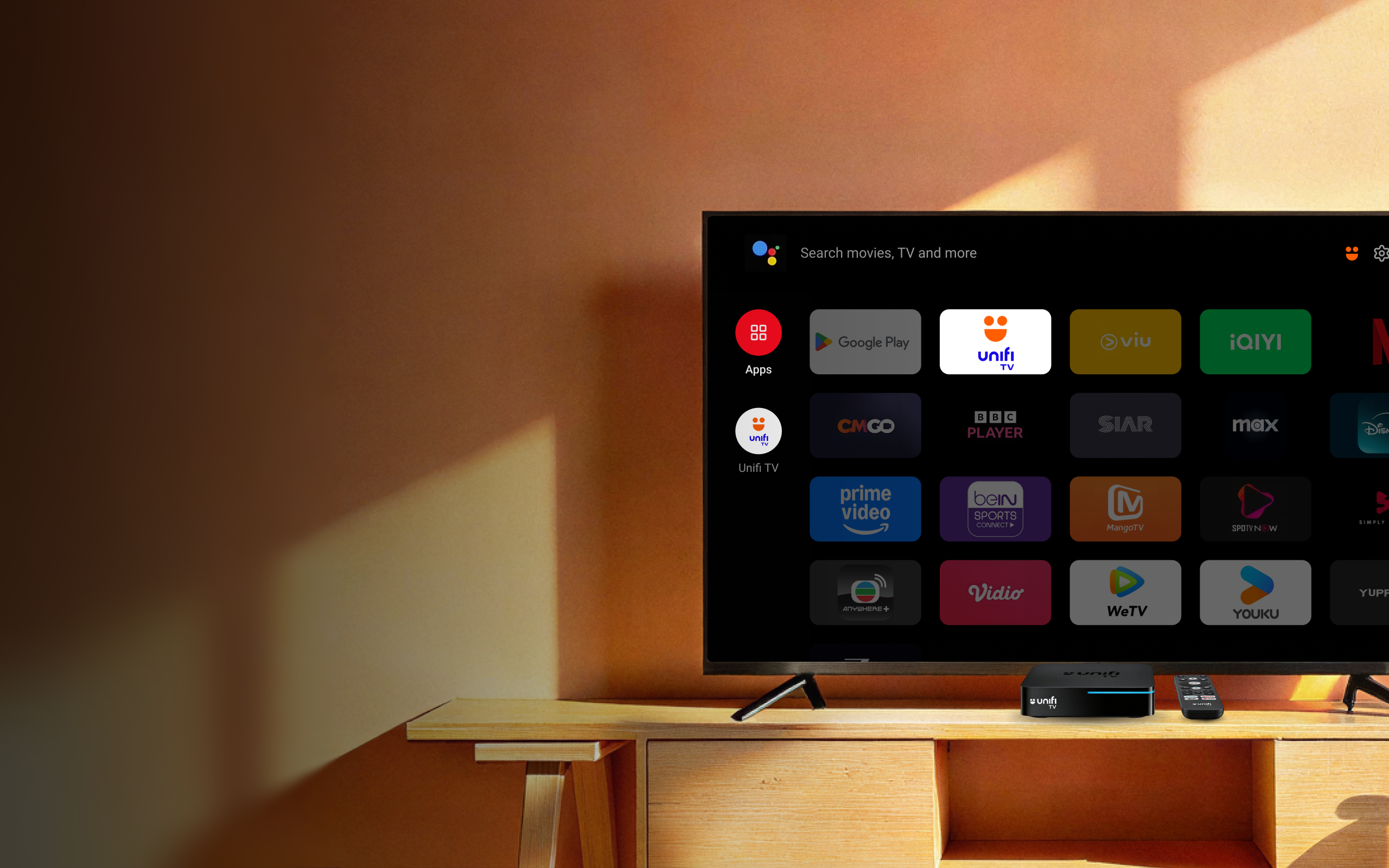
As part of our continuous effort to bring you richer entertainment experience, Unifi TV has partnered with 20 streaming apps as follows:

1. SUN NXT
2. HBO Max
3. CMGO
4. YOUKU
5. Vidio
6. Netflix
7. SIAR
8. MangoTV
9. Disney+
10. beIN SPORTS CONNECT
11. SPOTV NOW
12. WeTV
13. Amazon Prime Video
14. TVBAnywhere+
15. iQIYI
16. Viu
17. ZEE5
18. Simply South
19. YuppTV
20. BBC Player

The streaming apps are best viewed on Unifi TV Box. You may also download the respective apps on your mobile phone and/or tablet via the app stores or watch it via your Smart TV.

By subscribing via Unifi, you get to enjoy curated bundles and great add-on deals, specially crafted for you as our Unifi customer. You will also get to enjoy the convenience of paying the subscriptions in one single Unifi bill each month.