Play & Pay with Unifi
With Direct Carrier Billing, you can now purchase apps, in-app items or make subscriptions!

Play all-out with unifi Mobile that fits your digital lifestyle
Get your next app hassle-free with direct carrier billing and pay using your Unifi Mobile Account Balance.

Enjoy the best Google Play offers
Get the best Google Play deals and pay easily with your Unifi Mobile account

Convenient and secure payment
Pay securely with direct carrier billing on your Unifi Mobile account
Easy setup in just 3 simple steps
STEP 1
Choose any app you want to purchase from Google Play Store.
STEP 2
Select "Pay with Unifi Mobile"
STEP 3
You will receive an email notification upon successful transaction.
FREQUENTLY ASKED QUESTIONS
Direct Carrier Billing (DCB) is a convenient payment method that allows you to charge purchases of apps, games, and in-app content from the app store directly to your Unifi Mobile Postpaid monthly bill.
The Google Play Store is the official app marketplace for Android devices.
You can purchase Games, Movies, eBooks, as well as subscriptions to online magazines and in-app subscriptions.
Launch Google Play app on your mobile device.
Go to > Profile > Payments & subscriptions > Payment methods > Add Unifi Mobile billing and enable it.
Your purchases will now be charged directly to your Unifi Mobile Postpaid bill.
Go to > Profile > Payments & subscriptions > Payment methods > Add Unifi Mobile billing and enable it.
Your purchases will now be charged directly to your Unifi Mobile Postpaid bill.
No, Google’s refund policy doesn’t allow for refunds of in-app purchase through the Play store. However, you may contact the app provider directly to request for a refund.
*Note: Subject to validation & approval by the App provider
*Note: Subject to validation & approval by the App provider
HELLO Unifi UniVerse!
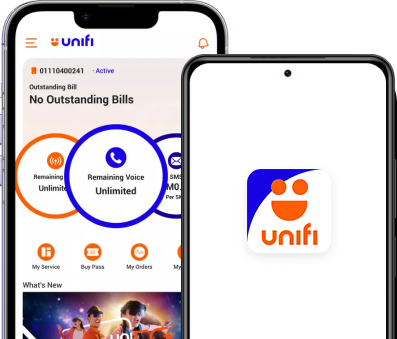
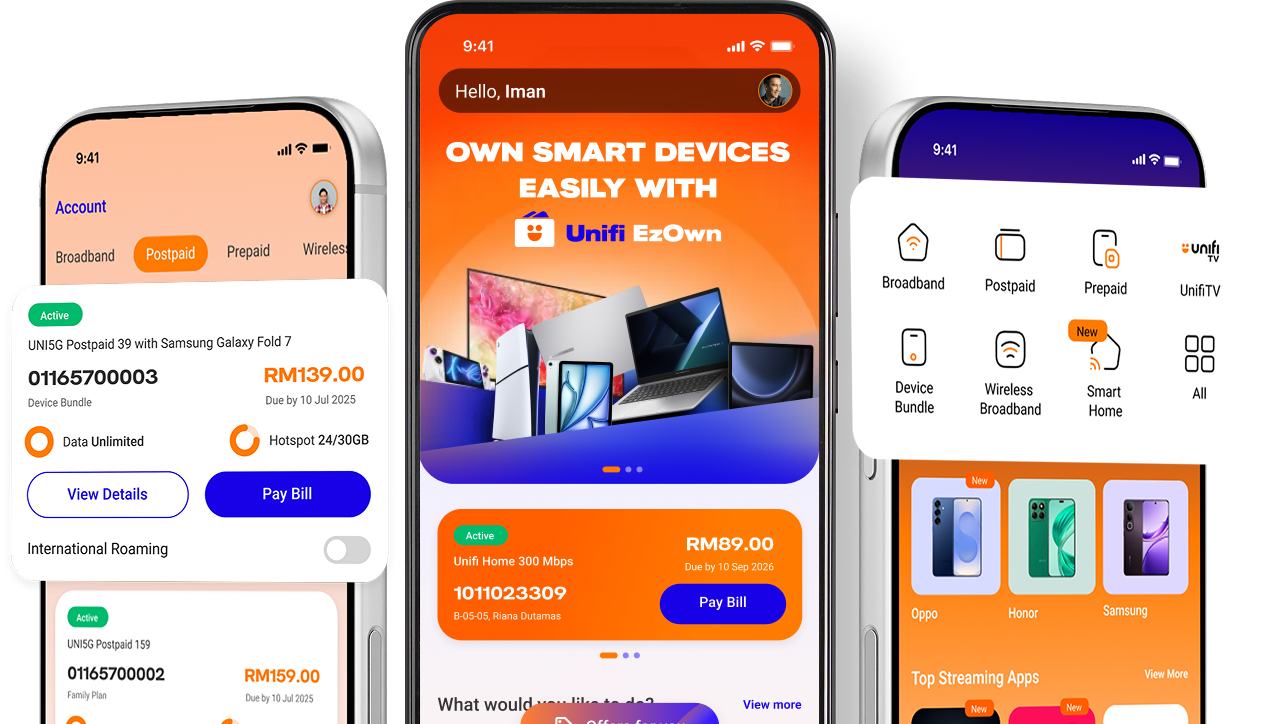
We have rebranded and you can now manage both your home broadband & mobile accounts in a single app*! Download today and enjoy convenience in a single app, and app exclusive offers you don’t want to miss!
*applicable for Home Broadband subscriptions from 17 March 2025 only