Get 360° Protection for Peace of Mind
Monitor your family with 300Mbps broadband and the Unifi Home Shield Essential Plus Pack.
Not Sure What Suits Your Needs?
Answer a few quick questions and we’ll recommend the ideal internet home bundle for your needs.
Try Plan RecommenderHello, Unifi Customer!
Discover your exclusive perks – faster speeds, great deals, and tailored plans await.
Exclusive Add-Ons
Pair any of the following smart devices with your Unifi Home broadband during subscription, on easy monthly instalments via Unifi EzOwn

Smart TV
Big screen entertainment for the whole family.
From RM83/month.
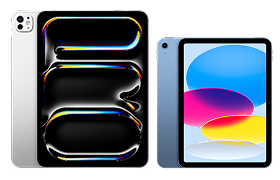
iPad
Work, play, and create on a versatile all-in-one device.
From RM95/month.

Smart Home
AI cameras and sensors to keep your home safe and connected.
From RM15/month.
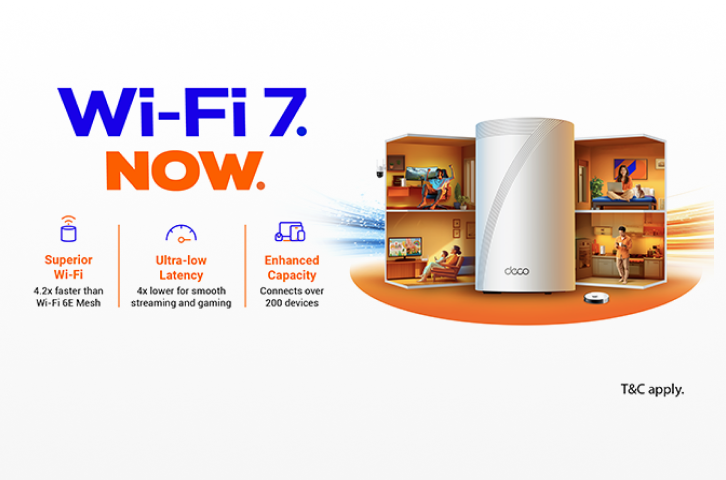
Wi-Fi Boosters
Extend your Wi-Fi signal to every corner of your home.
From RM15/month.
Build Your Unifi Bundle
Own It Your Way with Unifi EzOwn
Online Exclusive Offer: Buy Unifi EzOwn smart devices today. Easy monthly instalments.
*T&C apply

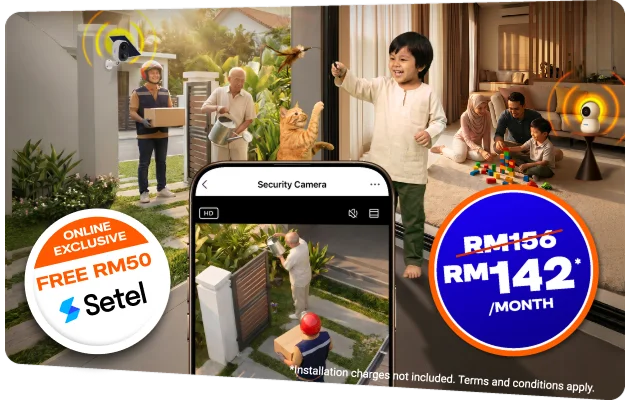
Secure Your Home for Only RM142/Month
Safeguard your loved ones with 300Mbps broadband, protected inside and out.
*T&C apply
%20Cross%20sell%20Banner%20Mobile_OL_335x200.webp)
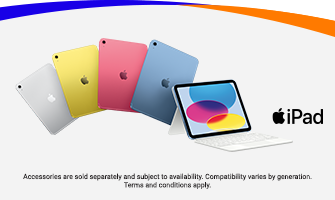
Upgrade Your Broadband Speed and Get iPad On Us!
Double your broadband speed and this iPad (A16) could be yours! Exclusive for Unifi Home Customers and for selected plan only.
*T&C apply
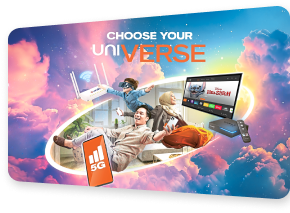
Why Choose Unifi Bundle Deals
Four Services, One Bill
No separate subscriptions or multiple billing dates.

Remote Connection Monitoring
Proactive alerts on TM network issues, direct to you.

On-Site Support with Unifi Elite
End-to-end Wi-Fi optimisation at your doorstep.
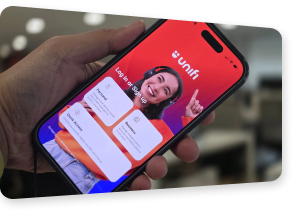
One App for Everything
All Unifi accounts in a single Universe dashboard.
Frequently Asked Questions
Every bundle starts with a Unifi Home broadband plan. Choose your add-ons from there:
- Unifi TV: Live channels and streaming apps, including Max, Disney+, beIN Sports Connect. Access using the Unifi TV 2.0 app.
- Unifi Mobile: UNI5G postpaid SIM with 5G/4G data, unlimited calls, family lines, and device options.
- Smart Home: Smart home security, including AI indoor cameras, solar outdoor cameras, motion sensors, and 7-day cloud video storage.
- Solo users and young professionals
- Couples and flatmates
- Families with children
- Remote workers and home office users
- Gamers and heavy streamers
- Sports and entertainment fans
- Large households and power users
- Select your preferred broadband speed and add-ons in the bundle builder above.
- Click “BUY NOW” on your chosen combination.
- Enter your installation address and personal details.
- Review your order and submit.
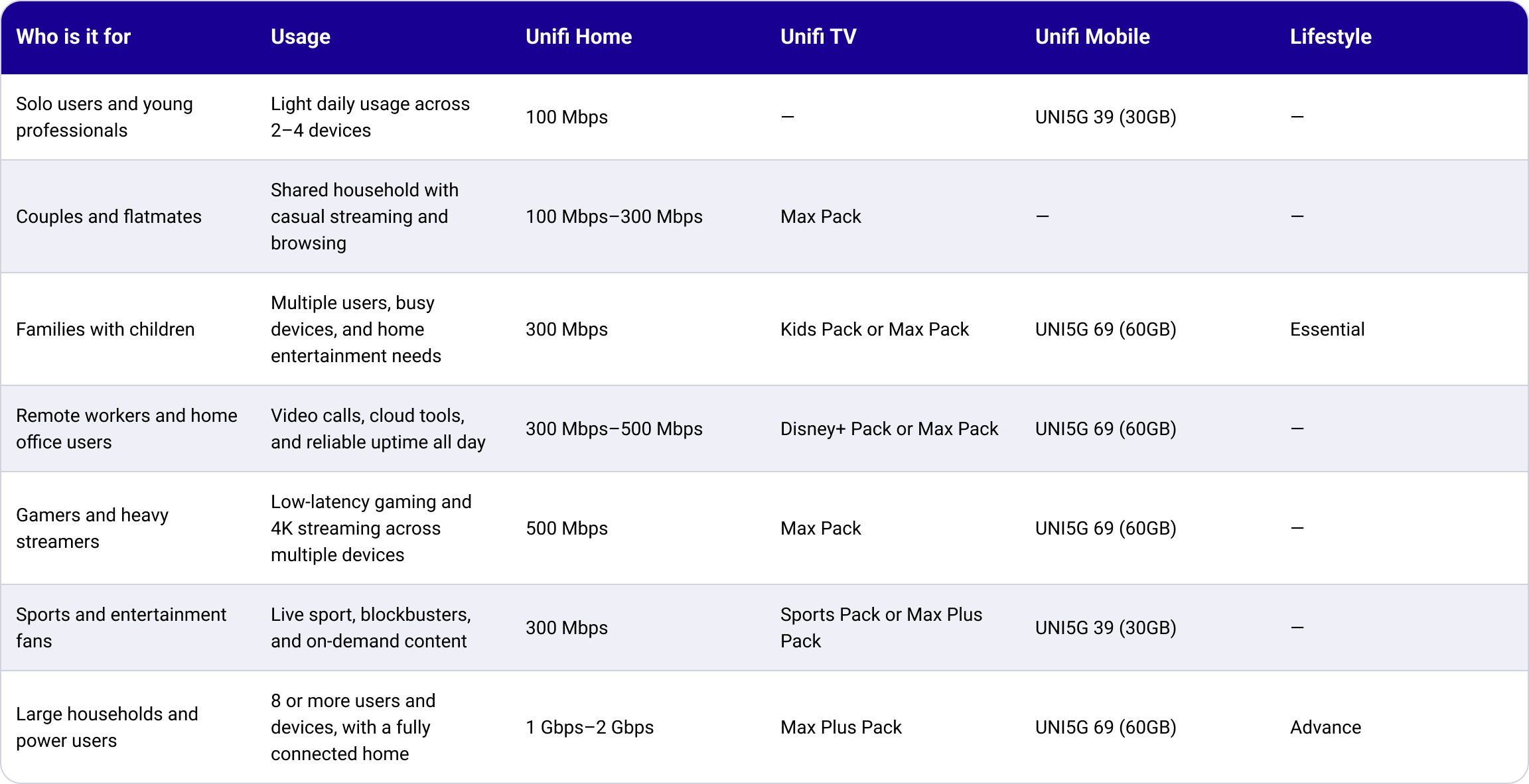
| Who is it for | Usage | Unifi Home | Unifi TV | Unifi Mobile | Lifestyle |
|---|---|---|---|---|---|
| Solo users and young professionals | Light daily usage across 2–4 devices | 100 Mbps | None | UNI5G 39 (30GB) | None |
| Couples and flatmates | Shared household with casual streaming and browsing | 100 Mbps–300 Mbps | Max Pack | None | None |
| Families with children | Multiple users, busy devices, and home entertainment needs | 300 Mbps | Kids Pack or Max Pack | UNI5G 69 (60GB) | Essential |
| Remote workers and home office users | Video calls, cloud tools, and reliable uptime all day | 300 Mbps–500 Mbps | Disney+ Pack or Max Pack | UNI5G 69 (60GB) | None |
| Gamers and heavy streamers | Low-latency gaming and 4K streaming across multiple devices | 500 Mbps | Max Pack | UNI5G 69 (60GB) | None |
| Sports and entertainment fans | Live sport, blockbusters, and on-demand content | 300 Mbps | Sports Pack or Max Plus Pack | UNI5G 39 (30GB) | None |
| Large households and power users | 8 or more users and devices, with a fully connected home | 1 Gbps–2 Gbps | Max Plus Pack | UNI5G 69 (60GB) | Advance |
- Your first bill will include two types of charges:
- Prorated charges: Based on the number of days between your activation date and your billing period date.
- Full month charges: Broadband charges for 30 days, starting from your first billing date.
- Device add-ons via EzOwn appear as separate line items.
Submit your Netflix account credentials to link your existing account to your Unifi TV Pack. If your current Netflix subscription is billed through Apple, cancel that arrangement first to avoid being charged twice.
Yes, provided the email address registered with Unifi matches your existing Netflix account. Your login credentials remain the same, so your viewing history carries over.
Yes. Upgrade options and their additional monthly costs are as follows:
- Netflix Standard — Additional RM20/month to upgrade from Basic.
- Netflix Premium — Additional RM13/month to upgrade from Standard. Additional RM33/month to upgrade from Basic.
- You can self-upgrade via the MyUnifi app, the Unifi Selfcare portal, or directly on Netflix.com under Account settings.
You can upgrade via:
- MyUnifi app — Log in, go to Account, select the relevant account, tap Upgrade Plan, pick a new plan, and complete the request form.
- Unifi Self-Care Portal — Log in, go to Account, click Change Plan, select your new plan, and complete the request form.
- Unifi Store or TMpoint — Visit your nearest outlet for in-person assistance.
- After submitting your request online, a Unifi representative will contact you within three days to process your order.
Yes. A change of ownership can be requested at any TMpoint outlet nationwide. Both the existing and new account holders must be present with their MyKad.
There is no penalty charge for terminations made after the minimum contract period of 24 months.