Is Unifi Home The Best Fibre Internet For Your Home in Malaysia?

Published:
Last updated:
Share
.png)


The Growing Demand For High-Speed Internet In Malaysia
After the pandemic, companies across the world recognized the virtues of remote work. No more physical offices means less overhead. Moreover, according to various reports, overall productivity remained consistent. Some reported an increase!
By consensus, everyone loved the new arrangement. This inspired other industries to adopt the remote way of doing things. Particularly, education and entertainment.
Internet demand is at an all-time high. Fortunately, Unifi is well-equipped to provide you with fast and reliable internet for work or play through Unifi Home.
Why Choose Unifi Home?
Unifi Home connects you to the world wide web through fibre optic cables. These cables can process more data with lightning-fast speed surpassing broadband. Because of this, internet connections are superiorly stable and can perform better for multiple devices.
Our Unifi Home plan is designed to accommodate modern households.
Find The Perfect Unifi Home Plans For Your Needs
Unlike other internet providers, Unifi Home internet accommodates internet users of all kinds. We’ve prepared multiple plans for your specific needs.
Our home internet plans are priced appropriately without making a dent in your wallet. Plus, we include a 24-hour service guarantee for any issues you may encounter with your internet.
Our installation process is easy and direct. After your subscription has been confirmed, our installation team will show up at your home following the agreed schedule. For modern homes, the installation will be quick.
If you decide to downgrade or upgrade your home internet, you can easily do so through Unifi’s customer portal.
How To Maximise Your Fibre Wi-Fi Experience
Your devices are now connected to your fibre Wi-Fi. Although the speed is good, you experience inconsistencies in some parts of your home. What can you do?
It’s time to maximize your Wi-Fi’s reach. 3 things you’ll have to look at:
- Your Wi-Fi router type
- Your Wi-Fi router placement
- Consideration of using a Wi-Fi mesh
The Wi-Fi router 6 can provide dedicated signals to multiple devices. Wi-Fi routers couldn’t do that before. Usually, multiple devices would have to share a signal.
You probably remember days when a family member was heavily downloading content from the internet, slowing down your internet experience. This is a thing of the past thanks to your new Wi-Fi router 6 combo box.
Next, your Wi-Fi router placement. You want to place your router in the central area of your home. Usually, that area would be your living room. Placing your router there can reasonably cover your entire house.
However, depending on your household structure, there can be dead spots.
Dead spots are places in your house where you receive zero signal from your Wi-Fi router. If there are too many dead spots, or a dead spot occurs at an important place (home office, studio, etc.), then consider investing in a Wi-Fi mesh.
A Wi-Fi mesh acts as a signal extender. The Wi-Fi mesh will be connected to your Wi-Fi router, and transmit Wi-Fi signals around its area. It’s a great way to cover dead spots in your home.
Unifi Air 5G Wireless Internet As An Alternative
Unifi Air 5G wireless internet provides you with a stable and fast internet connection through 5G. You can check for coverage with our Unifi 5G coverage checker.
Although not as powerful as fibre internet, Unifi Air 5G wireless internet can provide you internet speeds that easily top other broadband providers. Plus, it’s super easy to set up. All you have to do is plug in our 5G broadband device and you’re set!
With Unifi Air 5G wireless internet, you won’t have to worry about any data caps. We’re providing you with fast 5G internet with unlimited data. That’s right, you can surf, stream, game, and go live without any worries.
We understand this is an alternative. And you may still desire a home internet. Unifi is always expanding our fibre coverage. So when your area is finally covered with fibre internet, you can easily switch from Unifi Air 5G to your Unifi Home internet.
How to Get Started with Unifi Home
Step 1: Check Your Area for Fibre Coverage- Use our fibre coverage checker and make sure your address is covered
- Browse our fibre internet plans
- Consider any latest promotions offered by Unifi e.g. the Unifi UniVerse to enjoy maximum value
- Explore any value-added Unifi products to improve your overall experience
- When you’re done, choose the plan that fits your needs
- Key in your address information
- Then, include all your relevant personal information. We’ll keep it safe!
- Review your details. Make sure everything is correct, then hit submit
- Reconfirm the plan of your choice
- Then, schedule the date and time slot for installation
Why Unifi Home Is The Right Choice
Our extensive expertise in providing you with the best internet experience is why Unifi Home is the most reliable option for affordable and stable fibre broadband internet in Malaysia.
Explore our latest promotions and deals!
Ready To Subscribe? We Have A New Promotion For You Welcome to Unifi UniVerse!
Complete Your TV Experience With Unifi
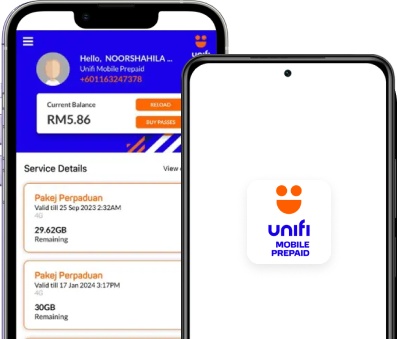
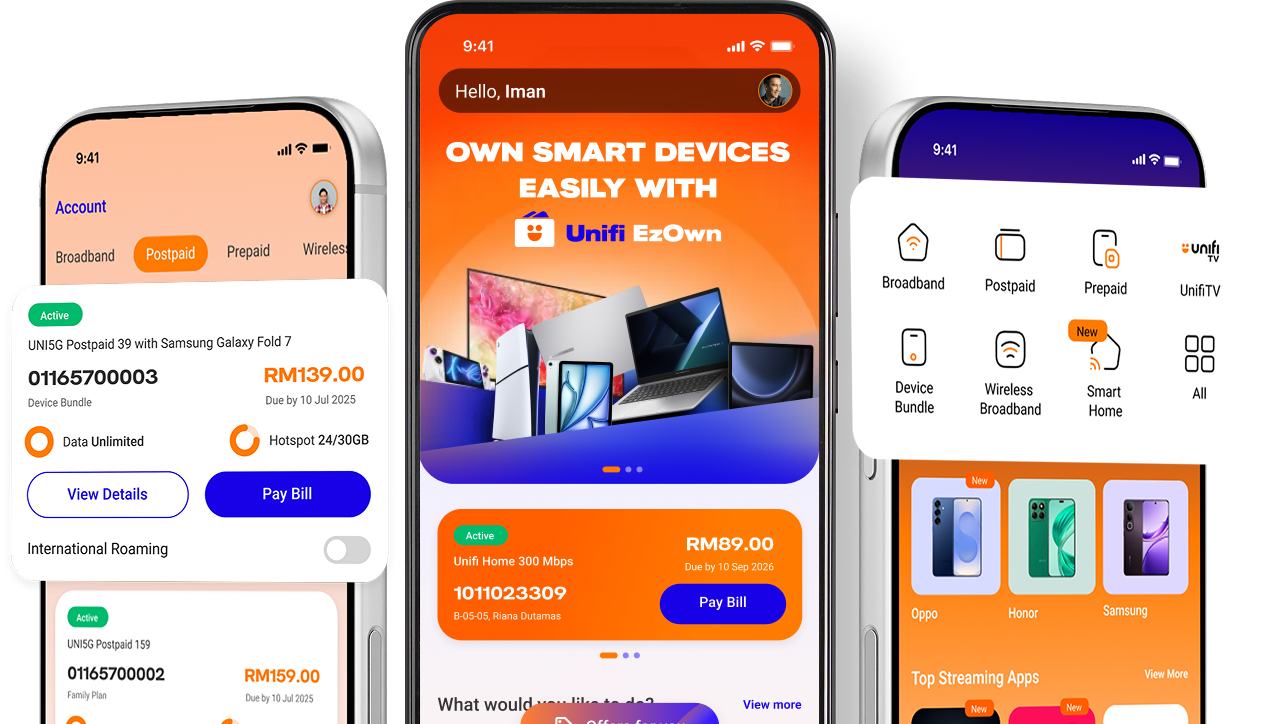
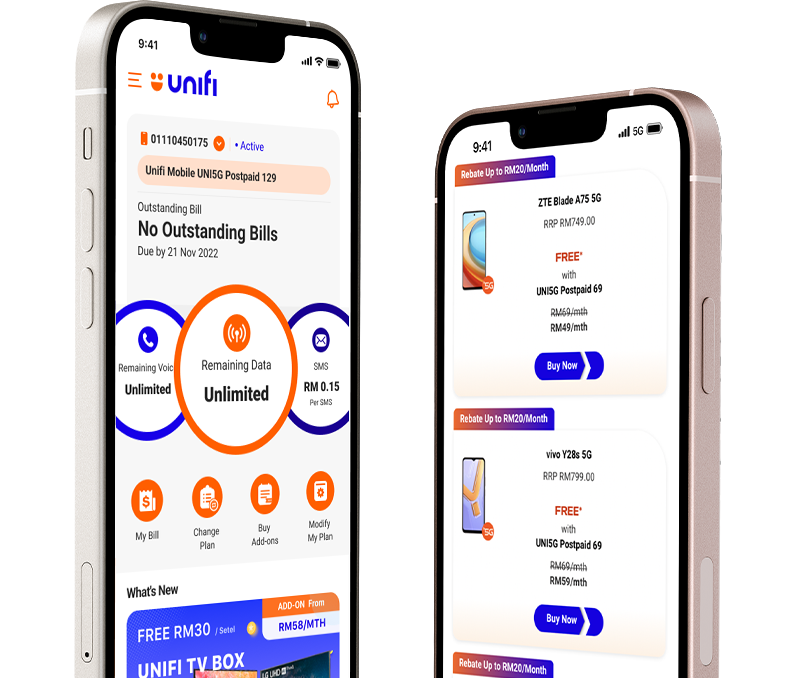
Everything Unifi in one app
View monthly bills and usage in one dashboard, with visibility to manage your account better.




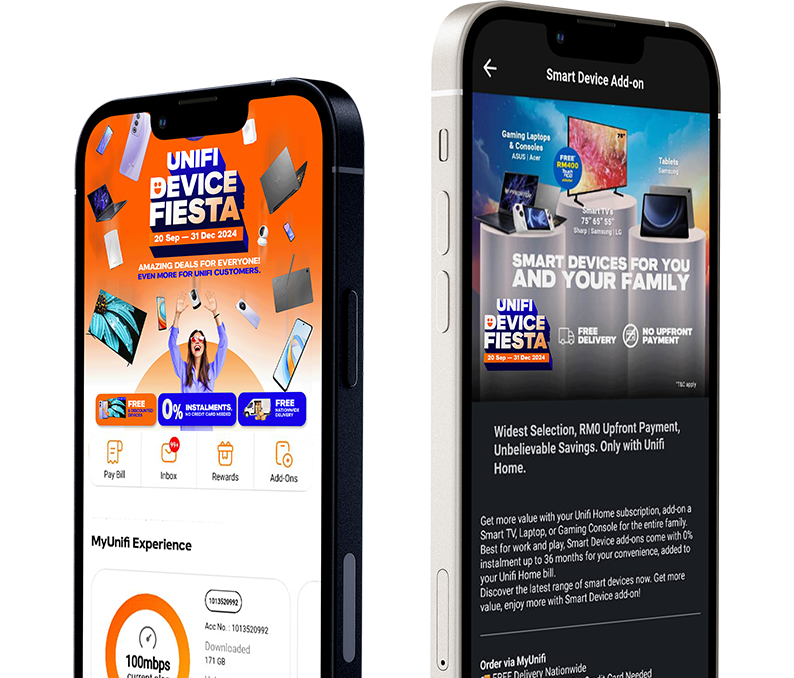
HELLO Unifi UniVerse!
We have rebranded and you can now manage both your home broadband & mobile accounts in a single app*! Download today and enjoy convenience in a single app, and app exclusive offers you don’t want to miss!
*applicable for Home Broadband subscriptions from 17 March 2025 only

FREEDOM TO CONNECT
Renew your prepaid plans seamlessly without worrying over expiry dates and data wastages.