Announcement: We are upgrading to serve you better!

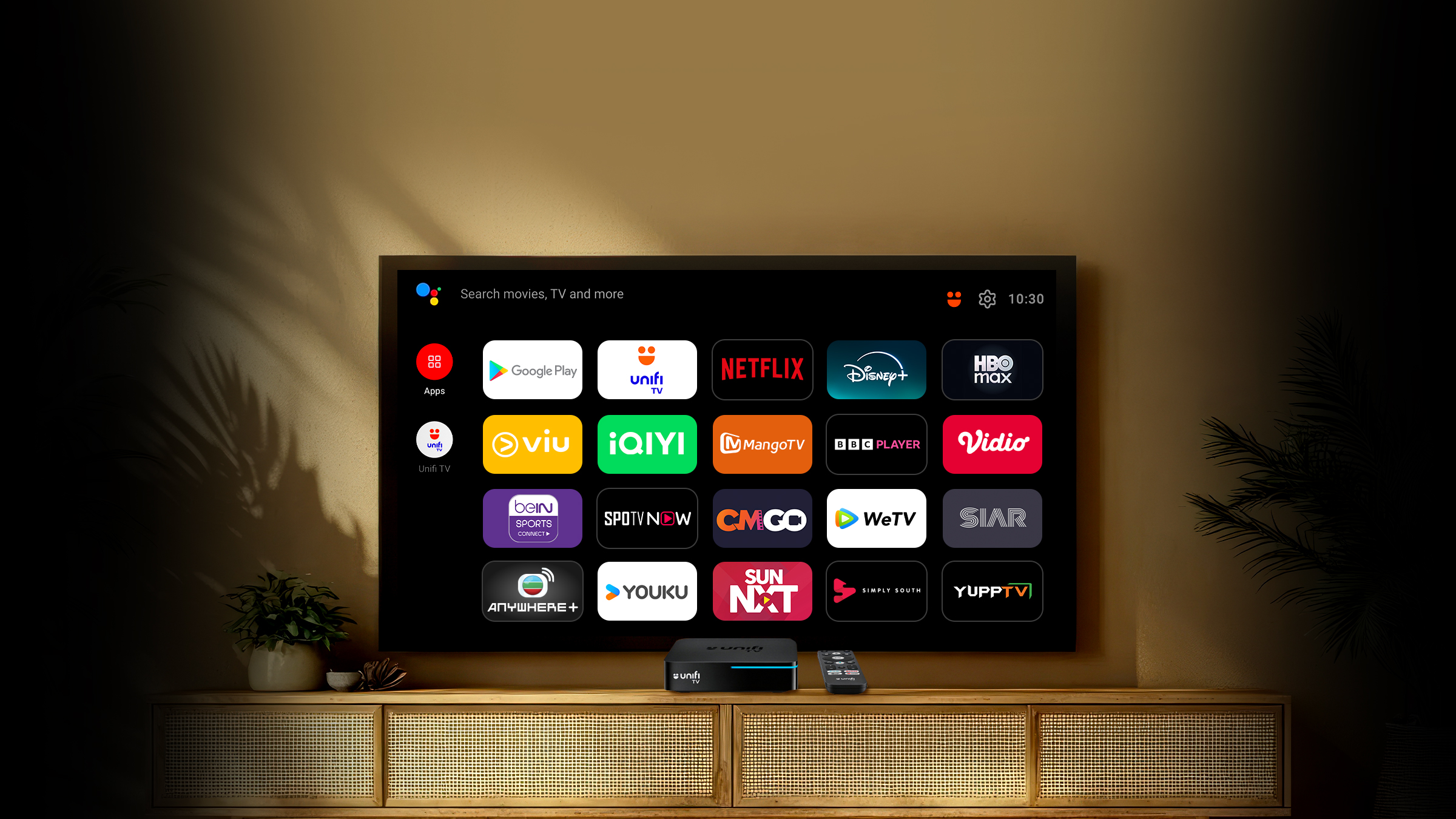
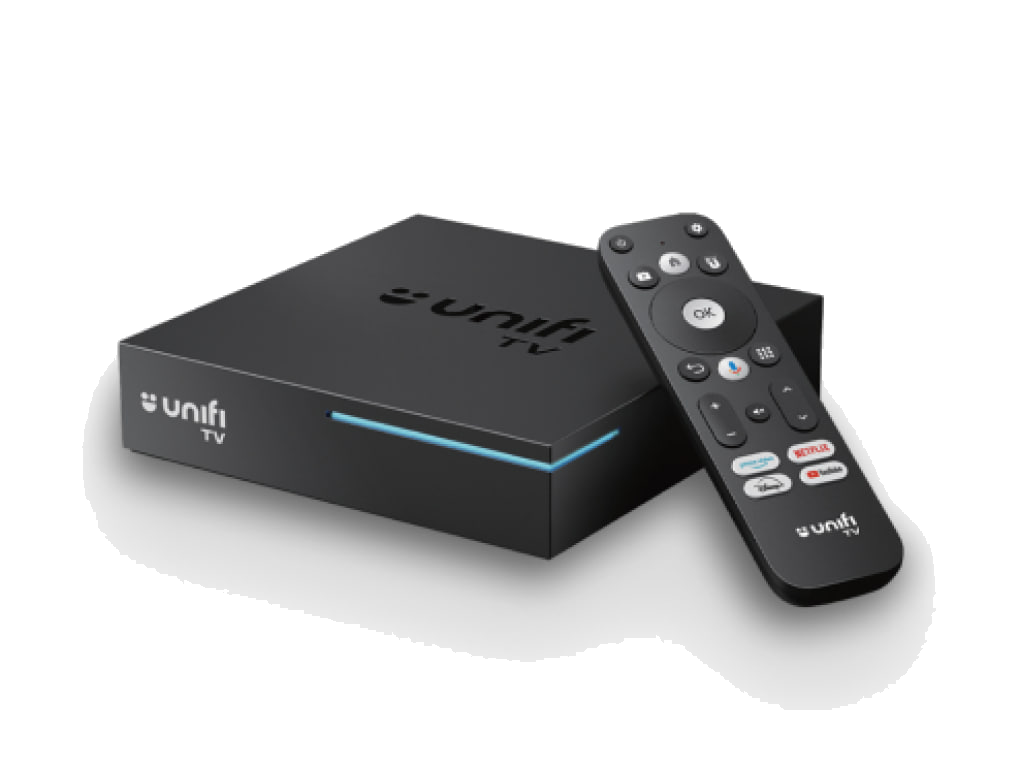
Unifi TV Box with remote control — 3/4 perspective view

Unifi TV Box

Now comes with Android TV 12

Stream your favourite apps and enjoy live TV, all in one smart box.

4K Ultra HD

True-to-life picture quality

Voice Control

Google Assistant built-in

Easy Connect

Access via IPTV or Wi-Fi

Multi-TV Viewing

Watch on up to 3 screens at once

Get your all-new Unifi TV Box

  • Available to all Unifi TV customers only
  • Up to 4 boxes per account

24-month contract

RM10/month

One-time payment

RM240
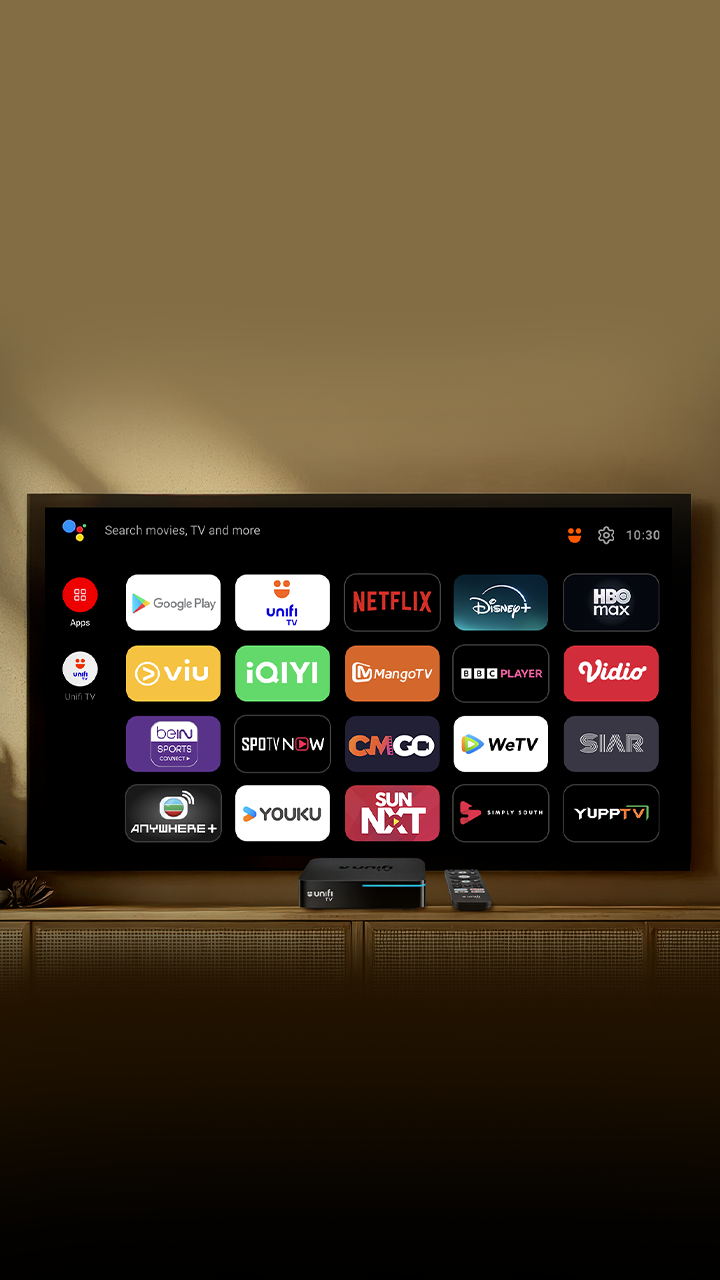
All Your Entertainment. One Smart Box.

Comes with selected streaming apps pre-installed, plus access to thousands more on the Google Play Store.

Personalised Entertainment for Everyone

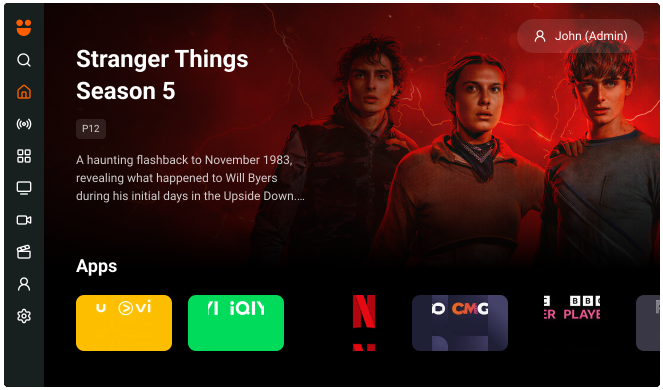
Powered by Android TV 12, Unifi TV App 2.0 delivers tailored recommendations and seamless navigation.

Unifi TV App 2.0 interface showing Stranger Things Season 5 and streaming apps

Unlock More with Unifi TV 2.0

Everything you need for a better viewing experience, all in one place.

Personalised Home — Unifi TV 2.0

Personalised Home

Discover content tailored to your viewing history and preferences — custom-made just for you.
Smart Search — Unifi TV 2.0

Smart Search

Quickly find your favourite movies, shows, actors, or genres across live channels, catch-up, and streaming apps — easily filter by type for faster results.
Build Your Library — Unifi TV 2.0

Build Your Library

Access everything you've watched, saved, or purchased — manage your favourites, watchlist, and subscriptions in one personal hub.
Trending Movies and Shows — Unifi TV 2.0

Trending Movies and Shows

Browse blockbusters, series, and trending content from all Unifi TV channels and streaming apps — curated and tailored to your tastes.

Ready, Set, Stream

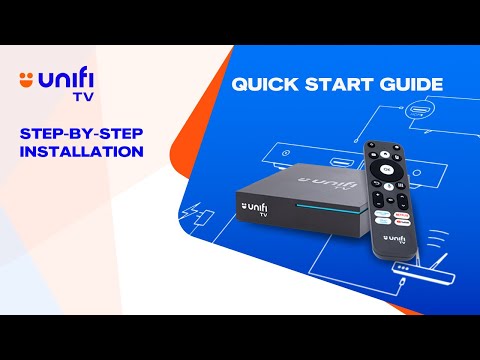
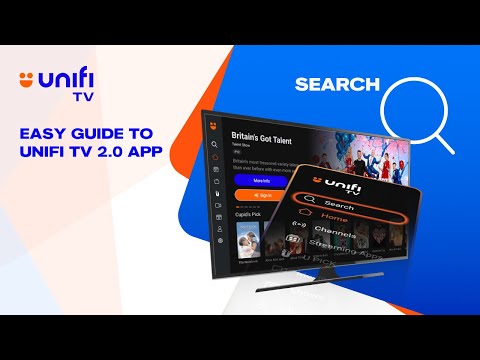
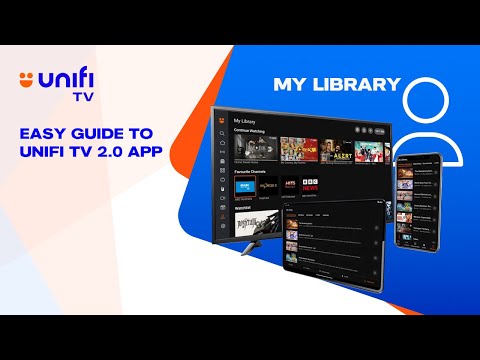
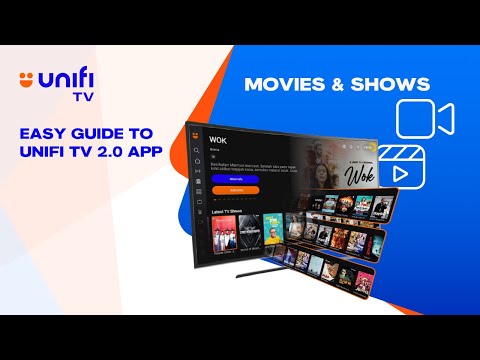
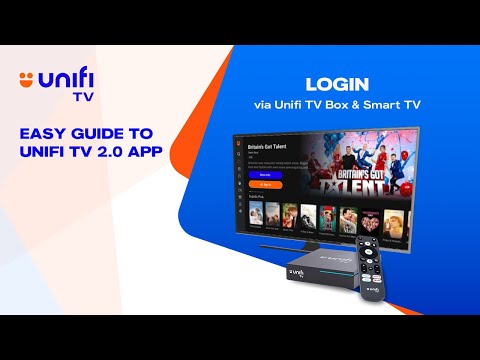
Browse our easy-to-follow video guides to get started.

More queries about the Unifi TV 2.0 App on mobile setup, password, or account settings?

Watch Video Tutorial

Can't find your favourite genre?

Frequently Asked
Questions

Yes, existing Unifi TV Pack subscribers are eligible for the 30-day free viewing promotion. Simply ensure your subscription is active and the free viewing will be automatically applied to your account.

After subscribing, download the Unifi TV app from the App Store or Google Play Store. Log in with your Unifi credentials and you'll have immediate access to all streaming apps included in your plan.

The Unifi TV 2.0 app is the latest version with an improved user interface, better streaming quality, and additional features such as multi-device support and enhanced content discovery. We recommend upgrading to Unifi TV 2.0 for the best experience.

If you have a Black Unifi TV box, you can continue using it with your current TV Pack. However, to enjoy the latest features and streaming apps, we recommend upgrading to the new Unifi TV 2.0 box. Contact our customer service for upgrade options.

If you have a White or Silver Unifi TV box, you may need to upgrade to the latest Unifi TV box to access newer streaming services. Please visit any TMpoint or contact 100 for assistance with the upgrade process.