Hello customer
Welcome
to Unifi
smart home
Thank you for choosing us. Get ready to transform your living space
with seamless control and stay protected
How to get started
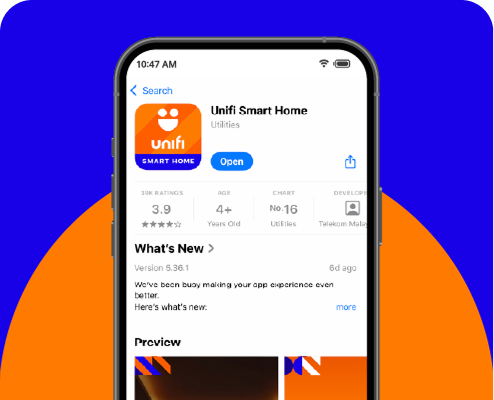
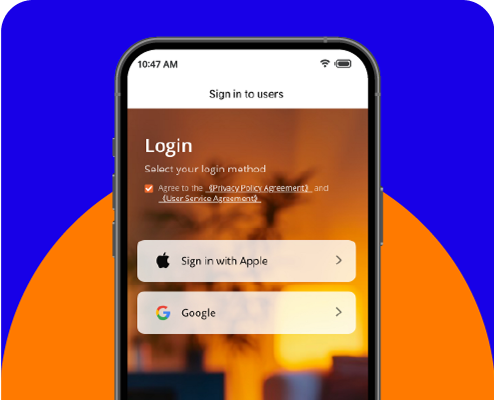
Step 2
Sign in with your Google or Apple account for a quick and secure setup.
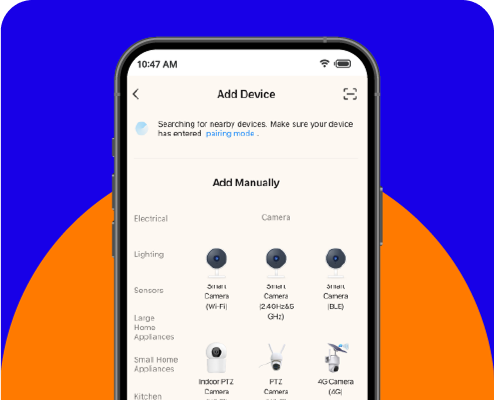
Step 3
Follow the on-screen instructions to easily pair your new smart home device with the app. You'll be in control in just a few moments.
Video Guide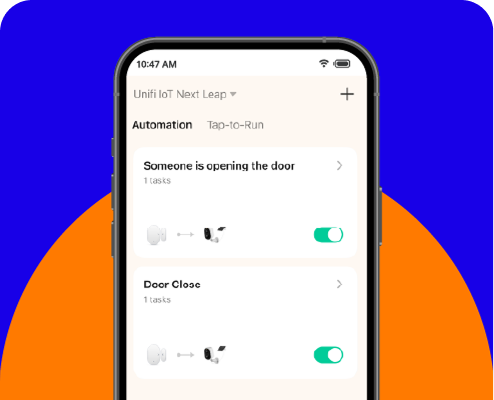
Step 4
Once paired, you can customize your device settings, create automations, and start monitoring your home from anywhere. Enjoy staying connected and in control!
your journey
starts here
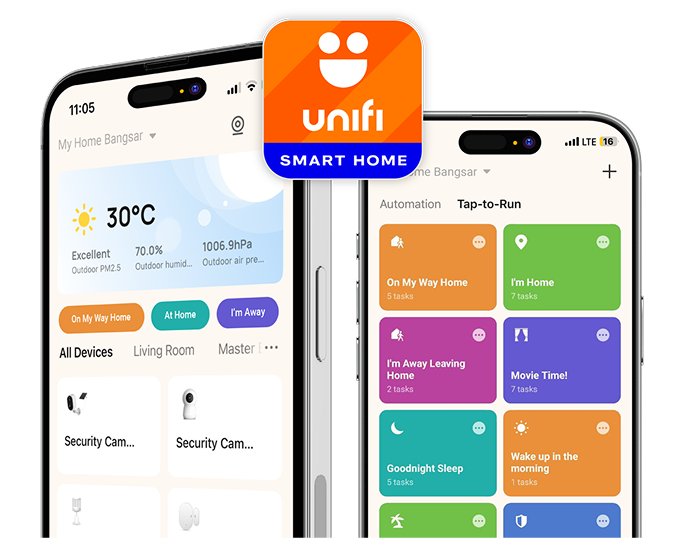
All-in-one control.
Download UNIFI
SMART HOME APP.
Manage all your security devices, receive instant alerts, and keep an eye on your property with our intuitive app.




EXPLORE devices
and more
Learn more about your new smart home device and discover how you can expand
your smart home ecosystem with our special bundle offers.
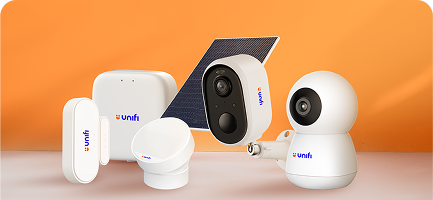
Know more about your device
Access product specifications and how to setup for your specific device.
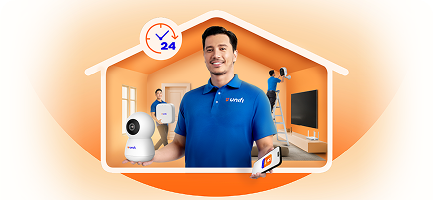
Exclusive Bundle Offers
Thinking of expanding? Check out special bundles available for new customers and existing customers.