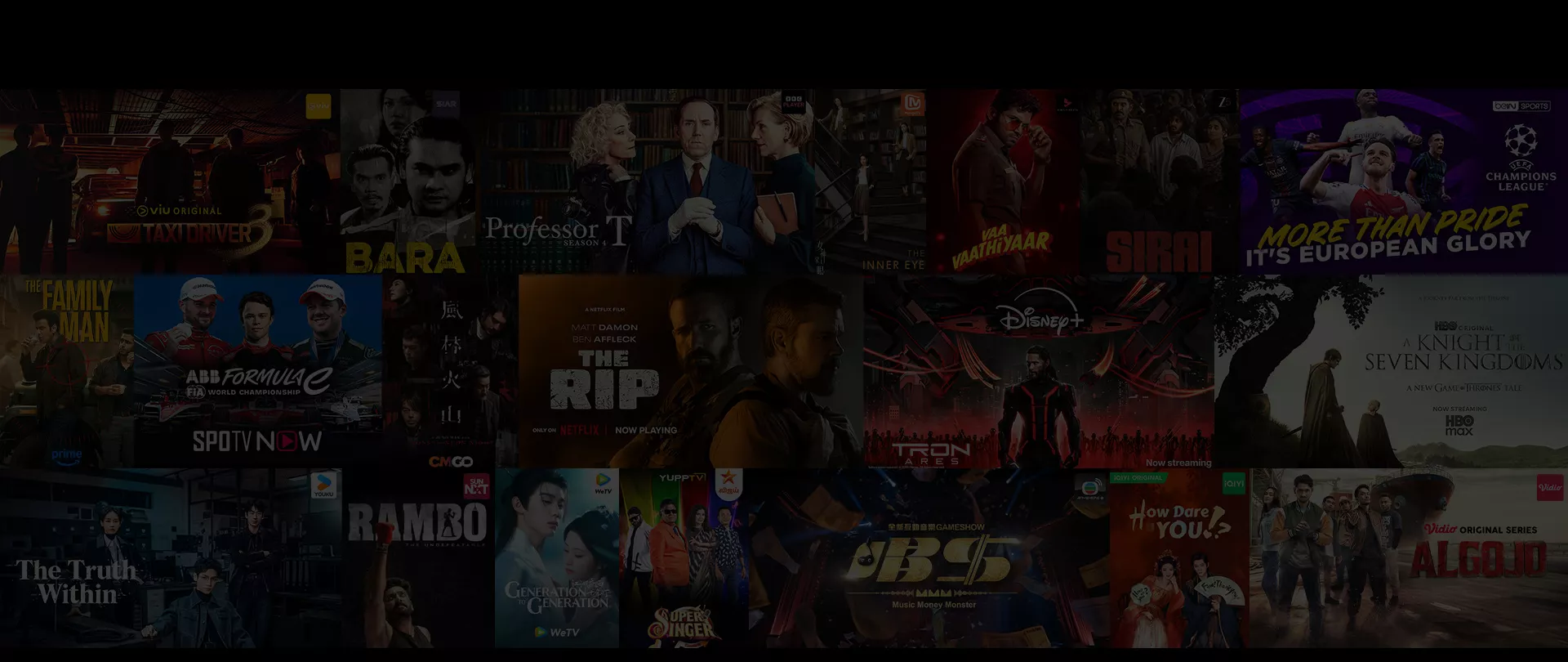




SIAR is included in Super Star Pack, Disney+ Pack, Max Plus Pack, Netflix Pack and Wira Pack.
Also available to subscribe as special Unifi TV Pack add-on at RM8/month
(RRP RM14.90/month).
How to subscribe to SIAR
Download MyUnifi app on your mobile and log in using your registered email address.
Prefer using a browser? Just log in via the Unifi Selfcare portal here.
Tap ‘Account’ and select the account with your Unifi TV entitlement; Broadband or Unifi TV Pack (Standalone). Tap ‘View Details’.
Scroll down to ‘My Add-ons’. Under ‘Streaming Apps’, select ‘Activate for Free’.
Review your details, then tap ‘Submit’ to complete the activation.
Check your inbox (or spam folder) for an activation email from us or the streaming app partner. Click the link inside as additional steps may be required to complete your redemption.
Upon successful activation, on your Unifi TV 2.0 App or Unifi TV Box, go to ‘Apps’ and select SIAR. Log in with your credentials and follow the instructions displayed on your TV screen.
You can also visit https://siar.my on your web browser or download the app from the relevant app store. Once installed, log in with the same credentials to enjoy streaming.
Download MyUnifi app on your mobile and log in using your registered email address.
Prefer using a browser? Just log in via the Unifi Selfcare portal here.
Tap ‘Shop’ and scroll down to ‘Top Streaming Apps’. Tap ‘View More’ and select the account to pair your a la carte subscription.
Select your preferred streaming app and tap ‘Buy Now’. Review your subscription details, then tap ‘Submit’ to complete your subscription.
Check your inbox (or spam folder) for an activation email from us or the streaming app partner. Click the link inside as additional steps may be required to complete your subscription.
Upon successful activation, on your Unifi TV 2.0 App or Unifi TV Box, go to ‘Apps’ and select SIAR. Log in with your credentials and follow the instructions displayed on your TV screen.
You can also visit https://siar.my on your web browser or download the app from the relevant app store. Once installed, log in with the same credentials to enjoy streaming.

Get connected to a Unifi Home broadband plan or sign up via Unifi TV 2.0 app and watch anytime anywhere

Choose a TV Pack with wide range of channels and streaming apps from as low as RM30/month!

Head to Unifi portal to check your free entitlement, switch or add on more streaming apps or TV Pack